Sound design used to be one of the most time-consuming parts of content creation. Filmmakers had to dig through massive sound libraries, YouTubers struggled to find copyright-safe effects, and game developers spent weeks crafting immersive audio environments.
In 2026, AI has completely changed this process. Modern AI sound effect tools can generate, customize, and adapt sound effects on demand from cinematic booms and futuristic UI clicks to ambient rain, crowds, and sci-fi atmospheres. You describe what you need, tweak a few settings, and export professional-quality audio in minutes.
Below are five of the best AI tools for sound effects creation in 2026, explained in a clear, beginner-friendly way.
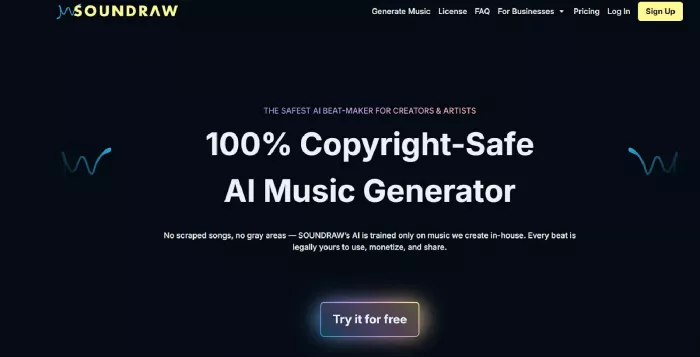
Soundraw originally launched as an AI music generator, but it has expanded into a useful tool for generating background sounds and sound elements for videos. Instead of browsing large stock libraries, creators can simply choose a mood or theme and let the AI generate audio that fits the tone of their project. The platform produces structured and loopable audio, which works especially well as background ambience for videos, podcasts, and social media content.
Soundraw focuses on simplicity and quick customization. Users can adjust mood, energy level, and audio length so the generated sound matches the pacing of their project. Because the audio is royalty-free and easy to edit or loop, it is widely used by YouTubers, marketers, and indie creators who want clean background audio without dealing with copyright issues.
Key highlights
● AI-generated background sounds and music
● Mood and theme customization
● Royalty-free exports with easy looping
Limitations
● Not designed for very specific sound effects like footsteps or explosions
● Focused more on ambience than isolated FX
Pricing
● Free plan: Generates audio previews but does not allow commercial downloads
● Creator plan: $19.99/month (about $16.99/month annually) with unlimited MP3 downloads and commercial use
● Artist Starter: $39.99/month (about $19.49/month annually) with limited downloads and music distribution features
● Artist Pro: $59.99/month (about $23.39/month annually) with WAV downloads and audio stems
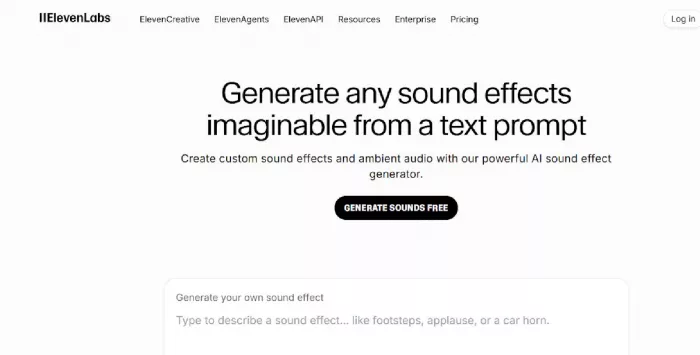
ElevenLabs is widely known for its advanced AI voice technology, but in 2026 it has expanded into AI-generated sound effects as well. Instead of producing only speech, the platform can now generate expressive non-verbal audio such as impacts, transitions, atmospheres, and cinematic sound textures. Users simply describe the sound they want, and the AI generates a realistic audio clip based on the prompt.
This text-to-sound approach makes ElevenLabs particularly useful for creators who need custom audio that may not exist in traditional sound libraries. Because the generated audio is high quality and exportable in formats like WAV, the tool works well for film projects, game sound effects, trailers, and interactive media.
Key highlights
● Text-to-sound effect generation
● Highly realistic cinematic audio textures
● High-quality WAV exports
Limitations
● Sound effects feature is still evolving
● Smaller library compared to traditional FX marketplaces
Pricing
● Free plan: Limited credits for experimentation
● Starter plan: $5/month with about 30,000 generation credits
● Creator plan: $22/month with around 100,000 credits
● Pro plan: $99/month with roughly 500,000 credits for larger projects
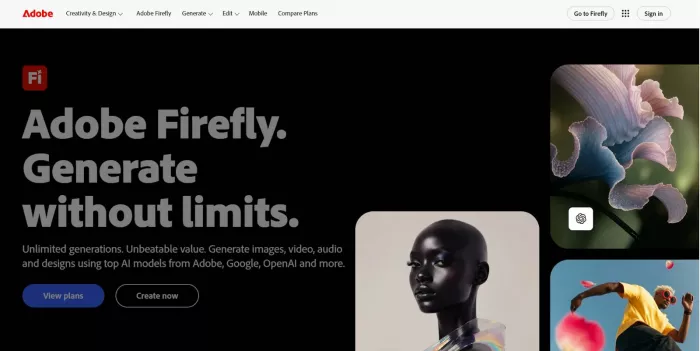
Adobe Firefly brings AI sound creation directly into the Adobe ecosystem. It is designed for creators who already work with tools like Adobe Premiere Pro, Adobe After Effects, and Adobe Audition. Instead of acting as a standalone sound generator, Firefly works more like an AI assistant that helps generate, enhance, and clean up audio during video production.
The platform allows creators to generate sound effects from text prompts and improve existing audio directly inside Adobe workflows. Because of its deep integration with professional editing tools, it is commonly used in film post-production, YouTube content, and advertising projects where reliable, commercial-safe audio is important.
Key highlights
● Text-based sound effect generation
● AI audio cleanup and enhancement
● Seamless integration with Adobe apps
Limitations
● Requires familiarity with the Adobe ecosystem
● Less experimental than some standalone AI tools
Pricing
● Firefly Standard: $9.99/month with generative AI credits
● Firefly Pro: $19.99/month with a larger credit pool
● Firefly Premium: $199.99/month for high-volume generative usage
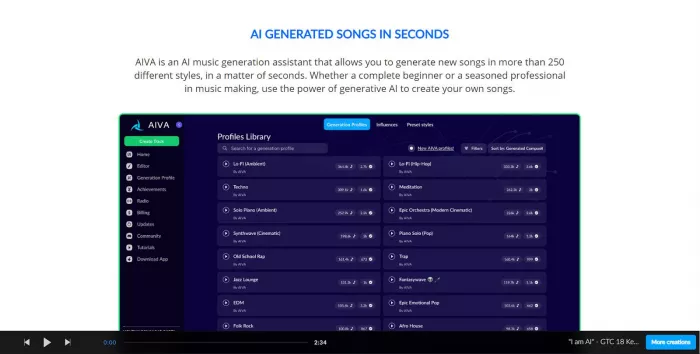
AIVA is best known for AI-generated cinematic music, but it is also widely used for creating dramatic sound layers such as tension drones, emotional swells, atmospheric textures, and cinematic transitions. Instead of generating tiny sound effects like clicks or footsteps, AIVA focuses on large-scale audio elements that enhance storytelling. This makes it especially useful for filmmakers, game developers, and creators who want to add emotional depth to trailers, intros, or cinematic scenes.
The platform allows users to control genre, mood, and intensity so the generated audio matches the tone of a project. Because of this flexibility, AIVA is commonly used in film trailers, game cutscenes, cinematic YouTube intros, and other story-driven content where atmosphere and emotion are more important than small isolated sound effects.
Key highlights
● AI-generated cinematic audio layers
● Genre and mood customization
● High-quality exports for film and games
Limitations
● Not designed for small FX like clicks or footsteps
● Requires some experimentation to get the desired sound
Pricing
● Free plan: Limited downloads for non-commercial use
● Standard plan: €15/month (about $16/month) with limited commercial rights
● Pro plan: €49/month (about $53/month) with full copyright ownership and commercial licensing
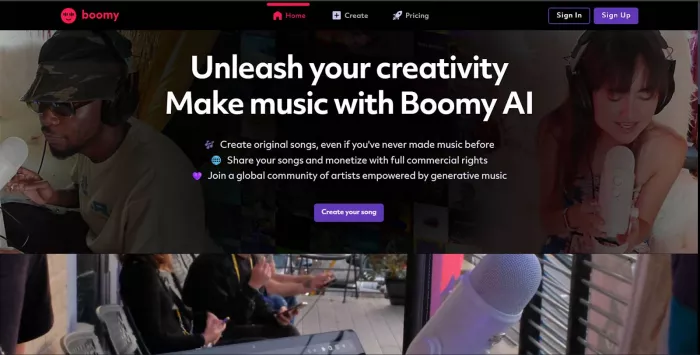
Boomy is a beginner-friendly AI platform designed to help creators generate simple sound elements and background audio quickly. While it is not a deep professional sound design environment, it works well for fast content creation where creators need quick audio layers rather than highly customized sound effects. Many creators treat Boomy as a creative shortcut instead of a full sound studio because it allows them to generate usable audio with minimal effort.
The platform focuses on speed and simplicity. Users can generate AI-based sound elements or music with just a few clicks, and the system automatically creates loops or structured audio that can be used in videos, podcasts, or small creative projects. Boomy also allows basic editing of the generated audio, letting users adjust structures, loops, and styles before exporting the final track. Because the workflow is simple and beginner-friendly, it has become popular among content creators who need quick background sounds for short videos, reels, or podcasts.
Boomy is particularly useful for beginners, indie creators, and social media producers who want fast results without learning complex audio tools. The platform makes it easy to produce background sound layers that work well for lightweight projects, although it is not ideal for cinematic sound design or detailed sound effects like impacts, explosions, or complex environmental audio.
In terms of pricing, Boomy offers a free plan that allows users to generate songs and experiment with the platform, although downloads and usage options are limited. The Creator plan costs $9.99 per month, which unlocks higher-quality exports and allows creators to use the generated audio in commercial projects. For users producing larger volumes of content, the Pro plan costs $29.99 per month and includes unlimited releases along with expanded monetization options for distributing AI-generated audio.
In 2026, AI sound effect tools are redefining how audio is created. Instead of searching endlessly through stock libraries, creators can now generate custom sounds on demand, tailored to their exact needs.
Quick tips for choosing the right tool
● For cinematic and expressive effects: ElevenLabs or AIVA
● For background ambience and content creation: Soundraw or Boomy
● For professional video workflows: Adobe Firefly Audio
The best tool depends on your project type, creative control needs, and budget. As AI sound design continues to evolve, one thing is clear: high-quality audio is no longer limited to big studios it's now accessible to everyone.
PixNova AI is an AI-powered creative platform designed to help users c...
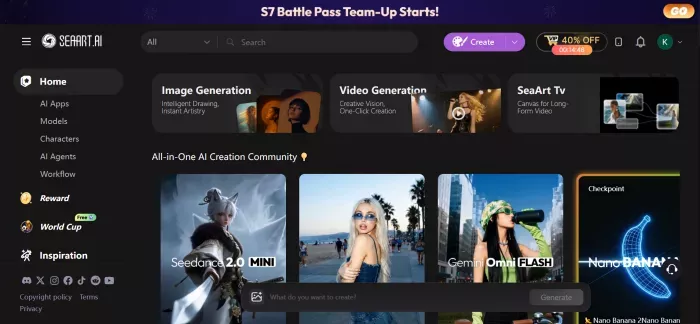

PolyBuzz is an AI character chat and roleplay platform.
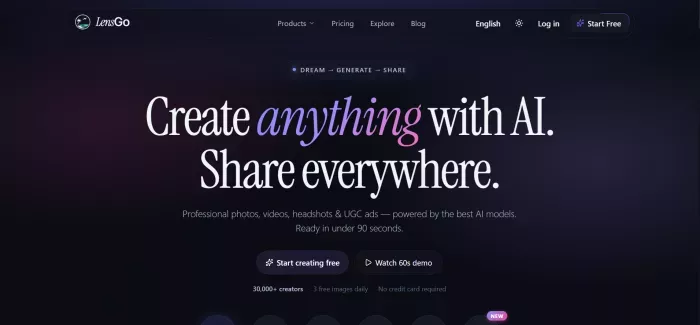
LensGo AI is a browser-based creative studio that bundles a stack of t...


Discussion