Haiper AI is an online tool that helps people create short videos using artificial intelligence. Instead of filming with a camera or learning complex editing software, users can type a description or upload an image and turn it into a moving video.
People want AI video tools because making videos normally takes time, skills, and equipment. You need cameras, editing software, and experience. AI tools reduce that effort. They help creators make short visual clips quickly for social media, ads, or creative projects.
Haiper AI focuses on turning simple ideas into short animated videos. It is mainly designed for creative and social media content, not for full-length movies.
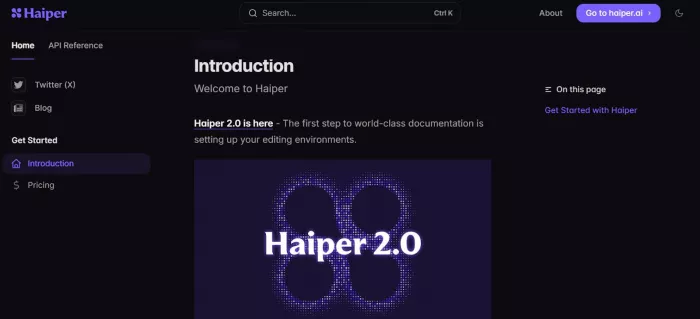
Here is a simple explanation of how a beginner can use Haiper AI.
Step 1: Sign Up and Log In
First, go to the Haiper AI website and create an account using your email.
After logging in, you will see the main dashboard. This is where you start creating videos.
Step 2: Choose How You Want to Create a Video
Haiper AI usually gives you two simple options:
● Type a description of the video you want.
● Upload a picture and turn it into a short moving video.
If you type a description, it is called a prompt. A prompt is just a written instruction. You tell the AI what you want to see.
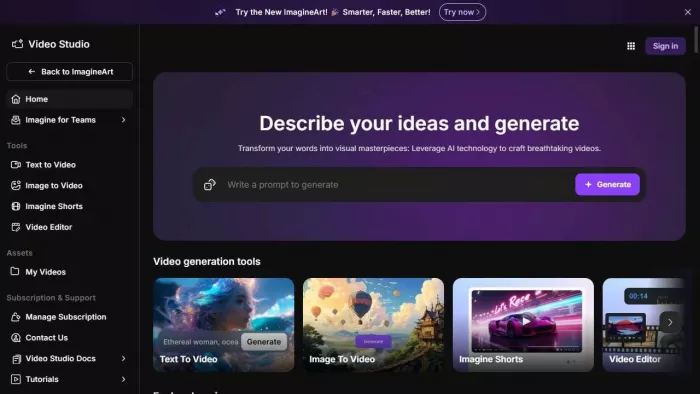
Step 3: Describe Your Idea Clearly
In the text box, write what you want the video to show.
For example, you could write:
“A futuristic city at sunset with flying cars.”
The more details you give, the better the result. If your description is too short or unclear, the video may not look the way you expect.
Step 4: Generate the Video
After entering your idea, click the generate button.
The system reads your description and creates a short animated clip.
This usually takes less time than filming and editing a video yourself.
Step 5: Check the Result
Once the video is ready, you can watch it.
If you like it, you download it and use it for your project.
If you do not like it, you can change your description and generate a new version.
In simple words, the process is:
Write your idea, let the AI create the video, review it, and download it.
Social Media Videos
Many creators need short and eye-catching clips for platforms like Instagram, TikTok, and YouTube Shorts. Haiper AI helps create quick visual content without filming. This saves time and reduces production costs.
Advertisements
Small businesses often struggle to create video ads because they lack video editing skills. With Haiper AI, they can generate short product visuals or background scenes for promotions. This makes video advertising more accessible.
Storytelling
Writers and storytellers can turn story ideas into short visual scenes. Instead of only describing a scene in text, they can show it as a short animated clip. This helps bring ideas to life.
YouTube Content
YouTubers can use AI-generated clips as background visuals, intro animations, or scene transitions. This reduces the need to search for stock footage.
Creative Projects
Artists and designers can experiment with visual styles quickly. They can test different ideas without spending hours editing manually.
| Tool Name | Main Purpose | Video Quality Level | Ease of Use | Pricing Model | Best For |
| Haiper AI | AI video generation from prompts or images | Good for short creative clips | Very easy and beginner friendly | Free tier with paid upgrades | Social media creators, quick creative videos |
| Pika | Creative short video and animation creation | Strong quality with stylized motion | Easy onboarding with simple interface | Free tier + paid plans | Social media and casual content creators |
| Runway | Professional AI video creation and editing | High cinematic quality | Moderate learning curve | Subscription plans $15/mo and up | Professional creators and agencies |
| Kaiber AI | AI visuals with music and stylized motion | Good quality for artistic style | Easy to moderate | Paid tiers from ~$29/mo | Music videos and artistic content |
| Sora (OpenAI) | Realistic text-to-video generation | Very high with narrative consistency | Moderate | Subscription varies | Storytelling and longer creative video projects |
1. Haiper AI is strong in simplicity. A beginner can start creating without learning complicated editing software. This lowers the barrier to entry.
2. It is also strong in speed. Users can generate short clips quickly, which is helpful for daily social media posting.
3. Another strength is idea testing. If someone wants to quickly visualize a concept, Haiper allows fast experimentation without heavy setup.
1. Haiper AI may not produce long, detailed videos suitable for professional filmmaking. It focuses mainly on short clips.
2. It may also have limits on resolution or video length depending on the plan. Users looking for high-resolution cinema-quality videos may find it limited.
3. Advanced editing controls are fewer compared to professional tools. If someone wants frame by frame editing or detailed adjustments, other platforms may be better.
4. Availability and access can also change over time, which may affect consistency for regular users.
Haiper AI is worth trying if you want to create short, creative videos quickly without learning complex editing tools. It works best for social media, small projects, and idea testing.
If you need professional-level video editing or long cinematic production, you may need a more advanced tool.
AI-powered image editing has moved far beyond simple filters. Today’s...
AI chat platforms built around fictional characters and roleplay conve...
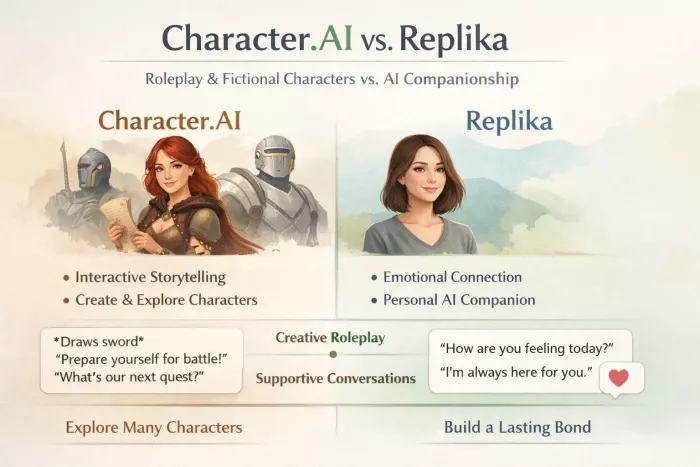
AI chat platforms have evolved far beyond simple question-and-answer b...
Platform OverviewCutout.pro is an AI-powered image editing platform de...
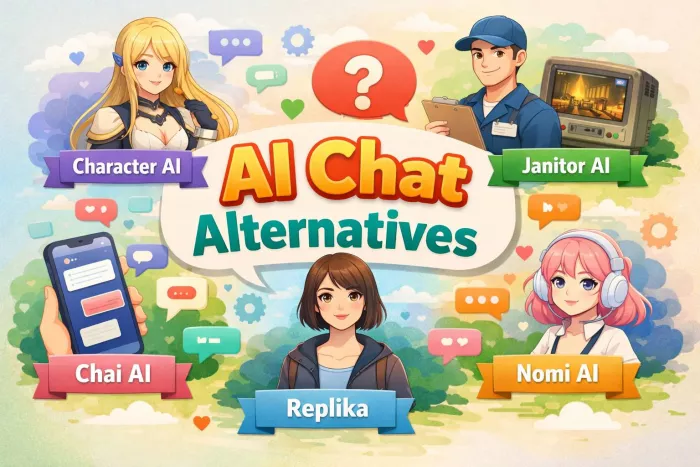
AI chat platforms designed for roleplay and interactive conversations...
Goth AI is a character-based AI chat platform designed for dark, gothi...

Discussion