Using Unlucid AI for a few weeks felt less like adopting a serious creative tool and more like sneaking into an experimental lab that happens to sit in a legal gray zone. The freedom is real, the fun is real, but so are the trust issues, quality swings, and a nagging sense that this is not a platform to build a professional workflow on.
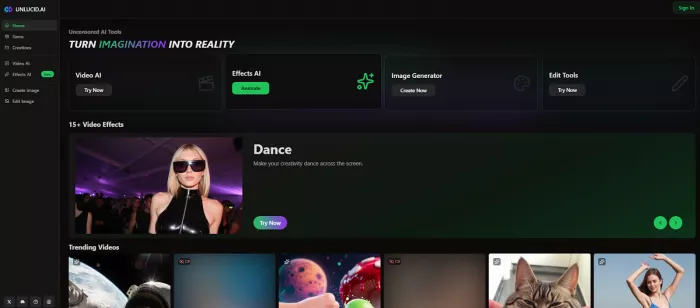
The first thing that hit me about Unlucid AI was how bare-bones it feels compared with other polished AI tools. You land on a simple dashboard: Video AI, Effects AI, Create Image, Edit Image, and a “Gems” section staring at you like a prepaid meter. That simplicity is both a blessing and a warning, there is no deep onboarding, no elaborate projects system, just “throw in a prompt or an image and see what happens.”
In practice, my workflow became:
When it works, it’s fast enough and relatively frictionless, especially if you are used to the setup overhead of local Stable Diffusion or ComfyUI. When it doesn’t, you feel every failed attempt because each retry literally costs you.
From a user’s seat, Unlucid is at its best when you stop expecting “film-grade” output and treat it as a meme and concept machine.
The text-to-image tool is competent but not revolutionary. You can push it into surreal directions, hyper-stylized portraits, dreamlike landscapes, odd character mashups, and that “uncensored” positioning means prompts that would die instantly on safer tools often go through. For edgy fashion concepts, alt-poster ideas, or stylized social creatives, that freedom is genuinely useful.
Editing is more hit-or-miss. Simple tweaks like changing colors, adjusting vibes, or adding stylized overlays work reasonably well; more precise edits (clean object removal, subtle retouching) expose the system’s limitations. It’s good enough for social assets where minor artifacts don’t matter, not for agency-grade deliverables where every pixel is under scrutiny.
The “Effects AI” is where Unlucid has the most personality. Presets like Dance, Squish, Smash, Fly, and Reveal let you animate a static image into a short clip with dramatic movement. For TikTok/Reels content or promos that lean into exaggerated style, these effects are genuinely fun; you can take a static poster and turn it into a punchy 3–5 second motion snippet in one go.
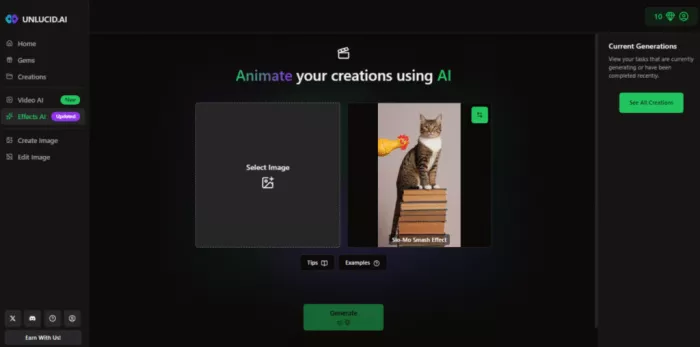
The trade-off: control. You don’t really “direct” these videos so much as choose a vibe and accept what the model gives you. Motion can be jittery, faces stretch, limbs melt, and details collapse when the effect pushes too hard. On a phone, some of that chaos is forgivable; on a larger screen, the cracks show quickly.
Emotionally, using Unlucid feels like driving a rental car with a prepaid fuel card—every acceleration reminds you the gauge is dropping.
The gem system looks harmless at first: you get a few free gems daily, enough to play with a couple of images or basic clips. Then the reality hits:

On paper, that’s reasonable. In practice, if you are the kind of creator who experiments a lot, gem drain is real. A short experimental session where you tweak prompts, try a few effects, and fix misses can burn through tens of gems without a single “final” clip. At that point, a predictable subscription on a more transparent platform starts to look saner.
This is where Unlucid lost my trust for anything beyond throwaway content.
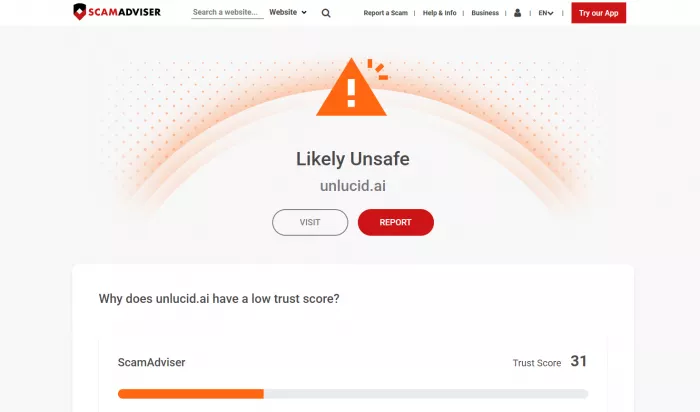
This is exactly the sort of setup security folks point to when they talk about “shadow AI” tools that sneak into workflows because they’re powerful or permissive, but sit completely outside an organization’s governance, logging, and compliance. If you are a solo creator making meme content from stock-like or non-sensitive material, that might feel like a tolerable risk. The moment real faces, client assets, or proprietary visuals enter the picture, the platform’s opacity becomes a hard red line.
From actually using it on a few real mini-projects (social teasers, concept moodboards, experimental clips), the pattern is very clear:
Switching between Unlucid and competitors is instructive:
Runway feels slower to “wow” a casual user, but is dramatically more reliable once you are building real edits, especially with timelines and compositing.
Pika and similar tools match Unlucid’s fun factor but give you more control over prompts, camera motion, and style, with fewer trust-alarm bells.
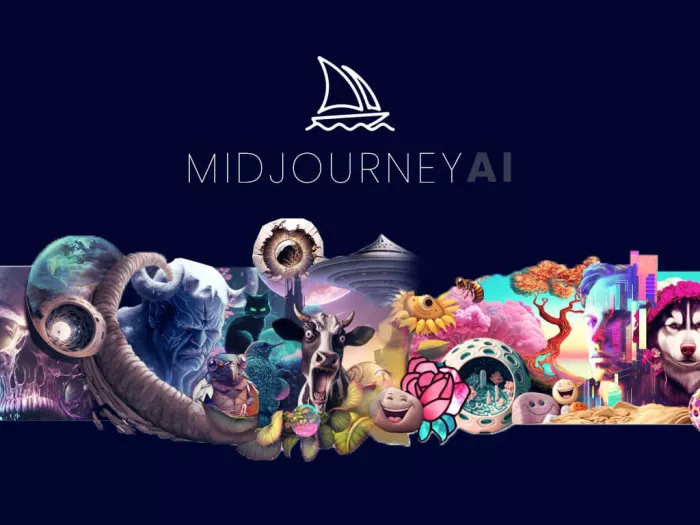
Midjourney, DALL·E, and Stable Diffusion setups still own the serious image-generation space; Unlucid never really threatens them there, it just offers more permissive boundaries and a different vibe.
In other words, the alternatives are less edgy but more predictable, and predictability is exactly what clients and long-term projects actually pay for.
If you treat Unlucid AI as a side tool for late‑night experiments, moodboards, and chaotic social content using only non-sensitive assets, it can be a lot of fun and occasionally very useful. If you try to elevate it into your primary creative engine or plug it into a professional, privacy-conscious workflow, you will run into the walls of trust, transparency, and consistency very quickly.
AI-powered image editing has moved far beyond simple filters. Today’s...
AI chat platforms built around fictional characters and roleplay conve...
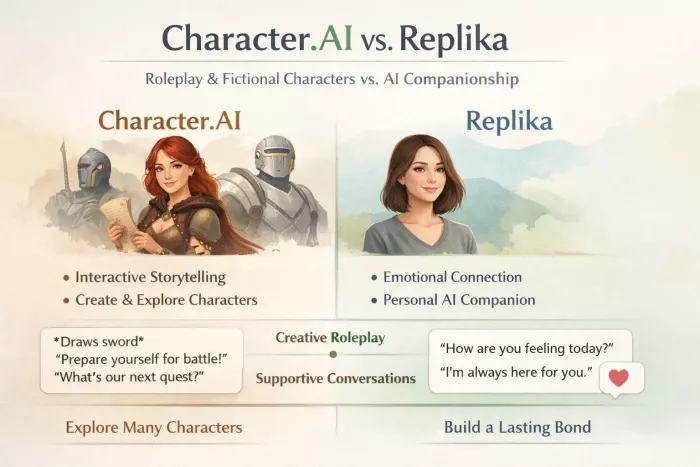
AI chat platforms have evolved far beyond simple question-and-answer b...
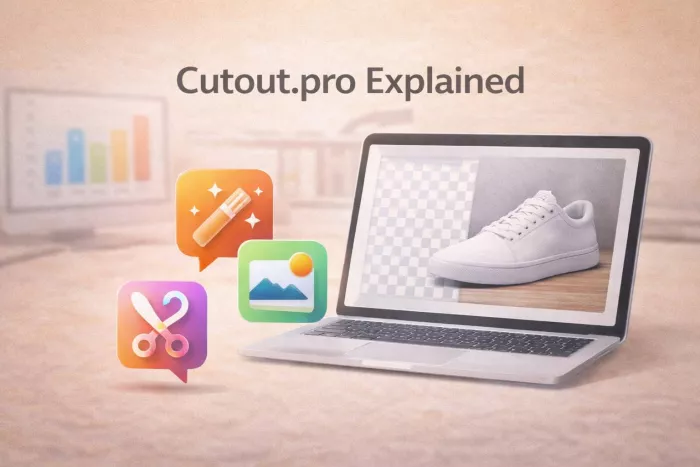
Platform OverviewCutout.pro is an AI-powered image editing platform de...

AI chat platforms designed for roleplay and interactive conversations...
Goth AI is a character-based AI chat platform designed for dark, gothi...

Discussion