Logos used to be expensive and time-consuming to create. Today, AI logo tools are becoming very popular among startups, creators, and small businesses because they make the process fast, affordable, and beginner-friendly.
The biggest advantage? You no longer need design skills to create a decent logo.
AI logo makers work by asking a few simple questions about your brand (name, style, colors, industry). The tool then uses smart algorithms to generate logo ideas by combining fonts, icons, and layouts. You pick what you like and customize it.
Let’s look at five of the best AI logo design tools that beginners can actually use.
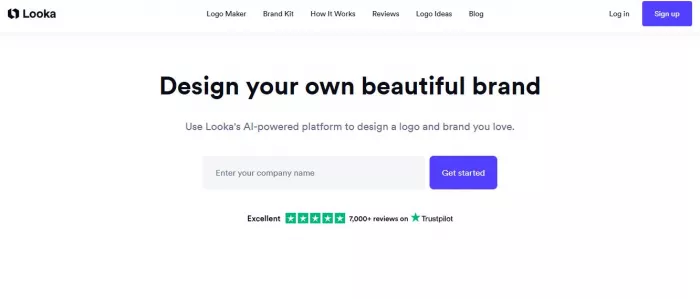
Looka is a popular AI logo generator built mainly for entrepreneurs, creators, and small business owners who want a polished logo quickly.(Looka)
1. AI logo generator based on brand preferences
2. Large library of icons and fonts
3. Color palette suggestions
4. Brand kit add-ons
5. Easy customization editor
A new Etsy seller enters their shop name, selects a “minimal” style and preferred colors. Looka generates multiple logo options. The seller tweaks the font and downloads the final logo.
Very beginner friendly
High-quality downloads require payment
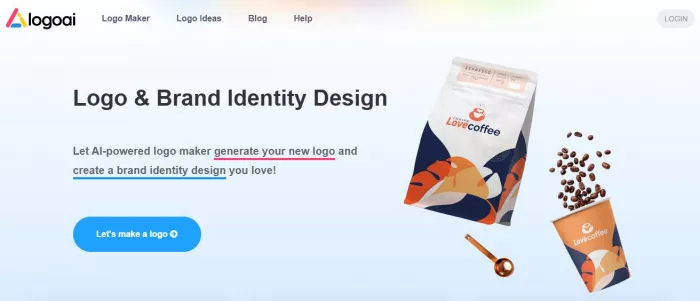
LogoAI is designed for users who want fast, automated logo creation with multiple variations. It works well for startups testing brand ideas.(LogoAI)
1. AI-generated logo concepts
2. Automatic brand identity suggestions
3. Social media logo sizing
4. Font and color matching
5. High-resolution exports
A YouTube creator types their channel name and industry. LogoAI instantly generates several logo styles, which they adjust and export for their channel banner.
Generates many logo options quickly
Customization depth is somewhat limited
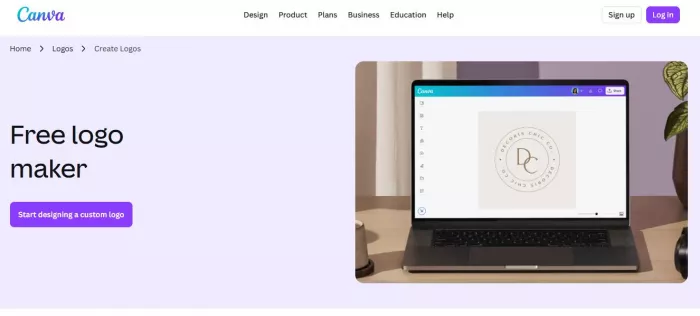
Canva’s AI logo maker is perfect for beginners who want drag-and-drop control along with AI suggestions. It suits bloggers, creators, and small businesses.(Canva’s AI logo)
1. AI logo suggestions
2. Huge template library
3. Drag-and-drop editor
4. Brand kit support
5. Free and premium assets
A blogger searches “modern logo” in Canva, picks a suggested template, edits the text and colors, and downloads the logo within minutes.
Very flexible editing control
Logos can look template-based if not customized
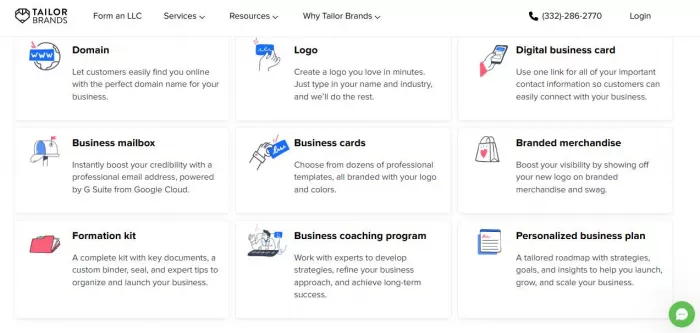
Tailor Brands is more than a logo maker. It is an AI branding platform aimed at startups that want a full brand identity.(Tailor Brands)
1. AI logo generator
2. Guided brand style setup
3. Business card and brand assets
4. Social media kits
5. Automated brand matching
A small business owner answers a few questions about their brand personality. Tailor Brands generates logo options and matching social media assets.
Strong all-in-one branding tools
Subscription pricing can add up
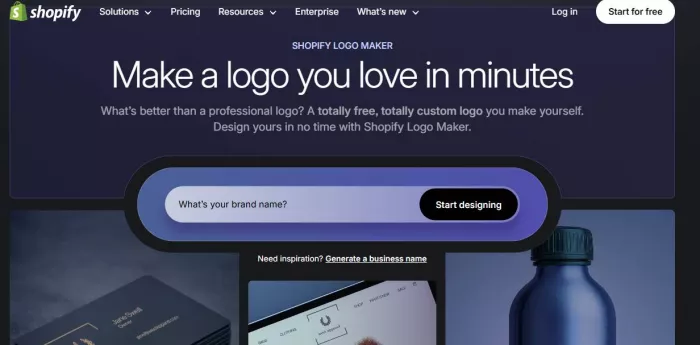
Hatchful is Shopify’s free AI logo maker. It is best for ecommerce beginners who want a quick and simple logo without spending money.(Hatchful)
1. Completely free logo generator
2. Industry-based templates
3. Mobile-friendly editor
4. Social media size exports
5. Simple guided workflow
A dropshipping beginner selects their niche, chooses a style, enters the store name, and downloads a ready-made logo.
Free and very easy to use
Designs are more basic than premium tools
AI logo tools are helpful, but they serve a different purpose than professional designers.
AI logo tools are best when:
1. You need a logo quickly
2. You have a limited budget
3. You are testing a new idea
4. You have no design experience
Hiring a designer is better when:
1. You need a unique brand identity
2. Your brand is premium or long-term
3. You want deep strategy behind the logo
4. You need fully custom artwork
Traditional design software (like Illustrator):
1. Offers maximum control
2. Requires design skills
3. Takes more time to learn
4. Better for professional designers
Think of AI logo tools as the fast starting point, not always the final branding solution.
| Tool | Best For | Pricing | Ease of Use | Standout Feature |
| Looka | Startups & creators | Paid (free preview) | Very easy | Polished AI logos |
| LogoAI | Fast variations | Paid | Easy | Bulk logo generation |
| Canva | Flexible editing | Free + paid | Very easy | Drag-and-drop control |
| Tailor Brands | Full branding | Subscription | Easy | Brand identity kit |
| Hatchful | Ecommerce beginners | Free | Very easy | Completely free |
Choosing the right AI logo maker depends on your goal.
Pick Looka if:
● You want a professional feel quickly
● You are launching a startup
● You want guided AI help
Pick Canva if:
● You want manual control
● You like editing templates
● You already use Canva
Pick LogoAI if:
● You want many quick logo ideas
● You are testing brand directions
Pick Tailor Brands if:
● You want full branding assets
● You are building a serious business
Pick Hatchful if:
● You want a free quick logo
● You are just getting started
AI logo tools have made branding much more accessible for beginners. They are perfect for getting a business off the ground quickly without spending hundreds of dollars.
They make the most sense when:
● You need speed
● You are on a budget
● You are testing ideas
● You lack design skills
However, for brands that need strong uniqueness and long-term identity, a custom designer still delivers the best results.
A smart approach many founders use today is simple: start with an AI logo to move fast, and upgrade to a custom design once the brand grows.
A U.S. federal appeals court has declined to temporarily block the Pen...
What "Safe" and "Legit" Actually Mean HereMost reviews answer neither...
Intel has joined Elon Musk’s ambitious “Terafab” semiconductor initiat...

Where automation actually saves time in real workflowsInstead of think...
April 7, 2026Samsung Electronics said Tuesday it expects first-quarter...
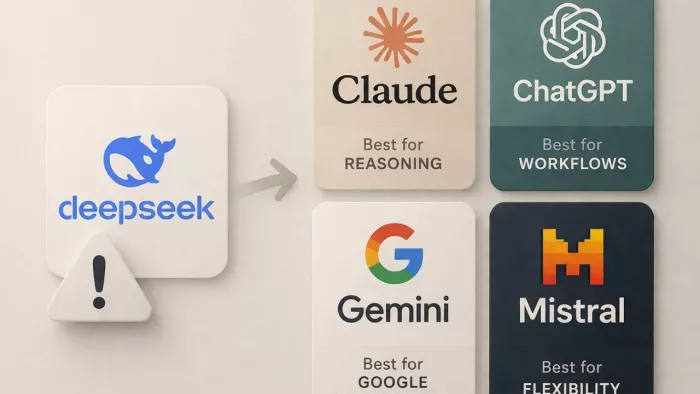
DeepSeek AI usually stops meeting expectations at a very specific poin...

Discussion