I didn’t go to BarberGPT AI because I wanted “AI” in my haircut decisions. I went because haircut decisions are weirdly high-stakes for something that’s supposed to be simple. A bad cut isn’t just a bad photo day, it’s weeks of looking slightly off, explaining “it’ll grow out,” and wishing you’d shown your barber a reference that actually matched your face.
BarberGPT AI felt like a fourth option, not a promise of a perfect haircut, but a way to reduce the gamble by showing a preview before you commit. That’s what pulled me in: not the tech, the certainty.
And yes, the curiosity helped too. The idea of a “virtual barber” that could generate a realistic version of me with different styles was hard not to try. BarberGPT itself frames the purpose as letting you upload a photo and preview a different hairstyle before committing. (BarberGPT)
When I landed on BarberGPT, it didn’t feel like one of those massive AI platforms where you need to learn an ecosystem. It felt more like a focused tool: you show up with a photo, and it tries to show you different versions of you with different hair.
That matters because “hair AI” can easily become gimmicky. Most apps either slap a haircut sticker on your head or give you something that looks like a wig pasted onto a selfie. I was expecting that kind of experience , funny, but not useful.
Instead, BarberGPT’s vibe is: simple workflow, realistic output, minimal distraction. The official positioning is exactly that: upload a picture, preview what you’d look like with a different hairstyle, and make a more informed decision.
Also: it’s not hiding behind mystery. The site even lists a contact email ([email protected]), which is a small trust signal compared to tools that provide no direct contact path at all.
The first time BarberGPT produces a preview that looks like you are not a generic model, you understand why people use it.
That moment came when:
It wasn’t perfect realism. But it was “real enough” to answer the only question that matters:
A men’s grooming site that reviewed multiple AI hairstyle apps described BarberGPT as using generative AI to create men’s hairstyles that look realistic, with a free allowance before you need more credits. That matched my experience: it’s not trying to be a fashion editor; it’s trying to be a convincing preview tool.
BarberGPT is basically an AI hairstyle try-on tool. You upload your photo, and it generates hairstyle previews. The “how” is intentionally lightweight but the results depend heavily on what you feed it.
BarberGPT itself explains it this way: upload a photo of your current hairstyle, and receive a preview of what you’d look like with a different hairstyle.
Other tool directories describe the workflow more explicitly: upload a photo, highlight/mask the hair area, generate photorealistic previews.
That “highlight the hair area” part matters, because it’s the difference between a believable result and an AI guess.
● Face visible, hair visible, decent lighting.
● Straight-on or slightly angled works best.
● Avoid hats, heavy shadows, messy backgrounds.
● The tool pushes you toward a fast start. The create page emphasizes signing in and getting started quickly.
● This step is where accuracy lives or dies.
● You’re essentially telling the AI: “this region is hair; change this, not my forehead.”
● The tool generates options based on its available hairstyle set.
● You review, save, compare.
● Some directories mention saving and sharing is part of the appeal (especially for showing your barber).
Here’s the truth: BarberGPT is much better at changes that are plausible from your starting photo than radical transformations.
A critical review I found summed this up in a way I strongly agree with: it’s a reliable aid for conservative to moderate changes, and more of a rough guide when you push into extreme transformations (especially with longer hair and complex geometry).
That matches what I saw.
If you go from:
…it’s pretty convincing.
If you go from:
…it starts drifting into “AI interpretation” territory.
Not useless, just something you should treat like a preview, not a promise.
Everything in BarberGPT revolves around working from your actual photo, not a generic avatar. This matters because facial structure, hairline, and head shape play a huge role in whether a hairstyle works. The previews aren’t abstract inspirations; they’re personalized visual references meant to answer a very specific question: Would this look okay on me?
This is one of the most important — and most overlooked — parts of the tool. By manually highlighting the hair area, you’re guiding the AI on exactly what should change and what shouldn’t. When done carefully, this dramatically improves realism by preventing the model from guessing where hair ends and skin begins. When rushed, it’s usually where things go wrong.
BarberGPT isn’t built around generating one “perfect” answer. Instead, it encourages comparison. Being able to see several variations side by side helps you narrow preferences — not just what you like, but what you don’t. That comparison aspect is often more useful than chasing a single ideal result.
The editing tools are limited, but intentionally so. Controls like brush size and cropping aren’t there to turn you into a photo editor — they exist to improve the accuracy of the generation. This keeps the experience focused on decision-making rather than endless tweaking.
Saving outputs isn’t just about keeping them for later. The real value is showing them to someone else — especially your barber. Instead of relying on vague descriptions or unrelated reference photos, you can point to a generated image and say, “This direction, but maybe shorter on the sides.” That alone can prevent a lot of miscommunication.
Taken together, these features don’t try to overwhelm the user. They’re narrowly focused on one outcome: helping you visualize haircut options clearly enough to make a confident decision. That focus is what keeps BarberGPT from feeling like a gimmick — even when the results aren’t perfect.
The most underrated part of BarberGPT isn’t the AI itself — it’s the conversation it makes possible.
Haircut requests are usually vague by default. Phrases like “short but not too short” or “clean but natural” mean different things to different people. BarberGPT replaces that ambiguity with something concrete.
Instead of trying to describe what you want, you can:
This turns the interaction from interpretation into alignment. It doesn’t override a barber’s experience or judgment, but it gives both sides a shared reference point. The result isn’t a guaranteed perfect cut — it’s fewer misunderstandings and clearer expectations.
BarberGPT appears to run on a credit-based model rather than a traditional monthly subscription, and you start with a free trial / free generations before needing to buy more.
Multiple sources report the same pattern:
● free usage for a small number of generations (often cited as three),
● then paid credits for more previews.
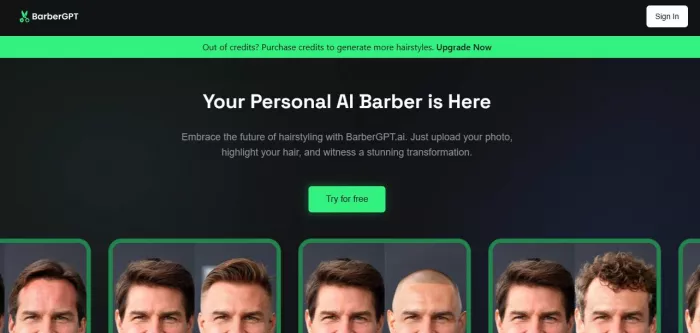
On BarberGPT’s own pages, you’ll see messaging like “Out of credits? Purchase credits… Upgrade Now,” which strongly indicates the credit system is central.
What I couldn’t reliably verify without login: exact credit pack prices and tiers on the official upgrade page (it appears to load after sign-in). So I won’t invent numbers.
BarberGPT’s shortcomings tend to follow a few predictable patterns. None of them are deal-breakers, but they’re important to understand if you want realistic expectations from the tool.
The accuracy of the output depends heavily on how precisely the hair area is highlighted. If the mask is rushed or uneven, the AI may try to “correct” the image in unintended ways. This can result in small but noticeable issues, such as:
This is why several critiques emphasize careful masking, especially for longer or more complex styles.
Long hairstyles introduce more variables — volume, layering, shadow, and how hair overlaps the face. Reviews consistently note that extreme changes (for example, very short to very long hair) are less reliable, while conservative or incremental changes tend to produce more believable results.
Hair texture matters more than many users expect. When the selected style doesn’t align with your natural texture — such as tight curls, very straight hair, or thinning areas — the result can look almost right, but subtly off. It’s usually convincing at a glance, but less so on closer inspection.
Even at its best, BarberGPT produces previews, not simulations. Certain real-world details remain out of reach for current AI tools, including:
This isn’t a BarberGPT-specific flaw — it’s a limitation of AI-generated imagery as a whole.
Seen in context, these failures don’t mean the tool is ineffective. They simply define where its usefulness ends and where real-world judgment still takes over.
BarberGPT feels best suited for people who want to make a haircut decision with less uncertainty, not people who want infinite customization.
BarberGPT AI isn’t a magic haircut machine. It won’t guarantee your barber nails the cut, and it won’t perfectly simulate how your hair behaves in real life.
But it does something genuinely useful: it helps you see options on your own face and turns vague haircut conversations into visual ones. That’s the real win.
If you use it the right way — clear photo, careful hair highlighting, realistic expectations — it can produce believable previews that make your next haircut feel less like a gamble. That’s also the tone of some external reviews: solid mockups if you follow the cues, not perfect realism, but close enough to be valuable.
In a world where most hair decisions are made with hope and guesswork, “close enough to choose confidently” is a surprisingly strong outcome.
AI-powered image editing has moved far beyond simple filters. Today’s...
AI chat platforms built around fictional characters and roleplay conve...
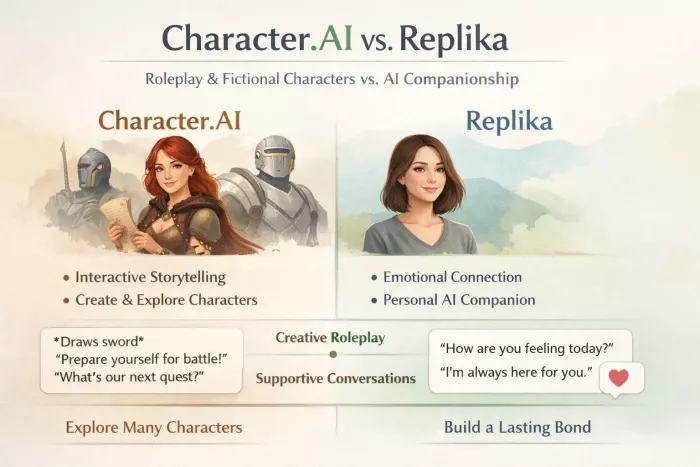
AI chat platforms have evolved far beyond simple question-and-answer b...
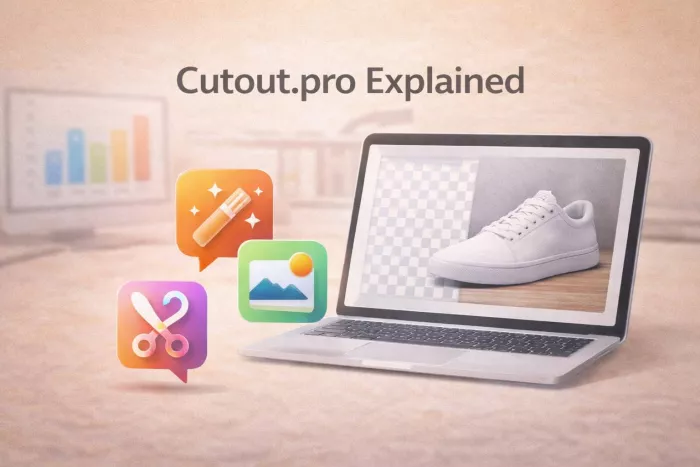
Platform OverviewCutout.pro is an AI-powered image editing platform de...
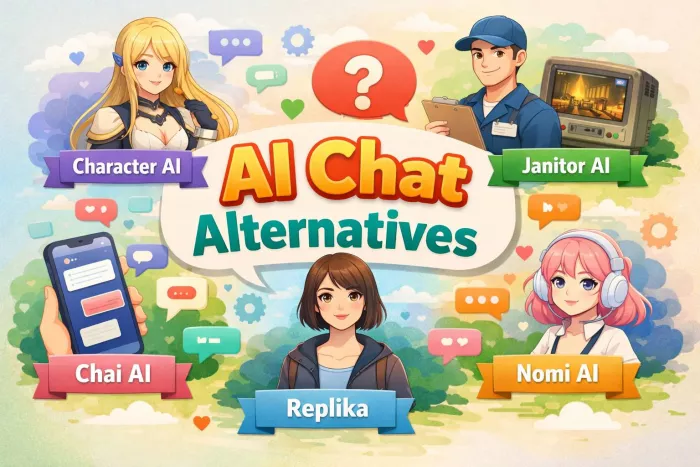
AI chat platforms designed for roleplay and interactive conversations...
Goth AI is a character-based AI chat platform designed for dark, gothi...

Discussion