Video creation has changed more in the last few years than in the previous decade. In 2026, you no longer need expensive cameras, editing skills, or a production team to create high-quality videos. AI video tools now help creators, marketers, and businesses turn ideas into polished videos using simple text prompts, images, or rough clips. What once took days or weeks can now be done in minutes.
These tools are not just about speed. They are changing how stories are told, how brands communicate, and how individuals express creativity. From cinematic visuals to realistic AI presenters, today’s AI video platforms are powerful enough for beginners and flexible enough for professionals.
Below are six of the most talked-about AI video creation tools in 2026, each with its own strengths, style, and ideal use cases.
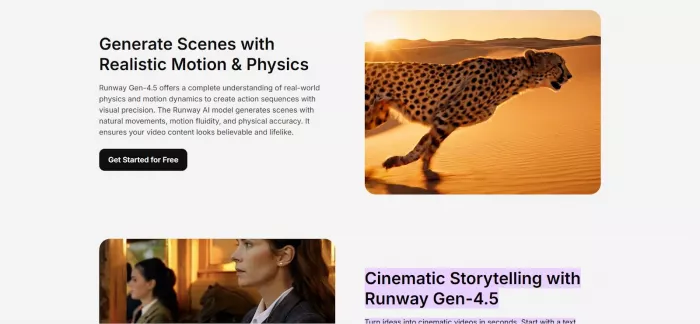
Runway has become one of the most influential AI tools in modern video creation, especially among filmmakers, designers, and digital artists. At its core, Runway allows users to generate, edit, and enhance videos using AI models instead of traditional editing timelines.
What makes Runway stand out is how seamlessly it blends creativity with control. You can generate short video clips from text prompts, remove backgrounds from footage, extend scenes, or apply visual effects that previously required advanced software and skills. The AI understands motion, lighting, and composition surprisingly well, which gives videos a more cinematic feel.
In real-world use, Runway is often used for music videos, experimental films, social media visuals, and ad creatives. Indie filmmakers use it to prototype scenes, while marketers rely on it to produce eye-catching visuals without hiring large production teams.
One of its biggest advantages is flexibility. You can start with nothing but a prompt or enhance existing footage. However, the learning curve can feel slightly steep for absolute beginners, and longer or more complex video generations can consume credits quickly.
Runway offers a free plan with limited features, while paid plans typically start around a mid-range monthly price, scaling based on usage and generation time. It’s best suited for users who want creative freedom rather than simple talking-head videos. Runway – Turning Idea into Cinematic Visuals
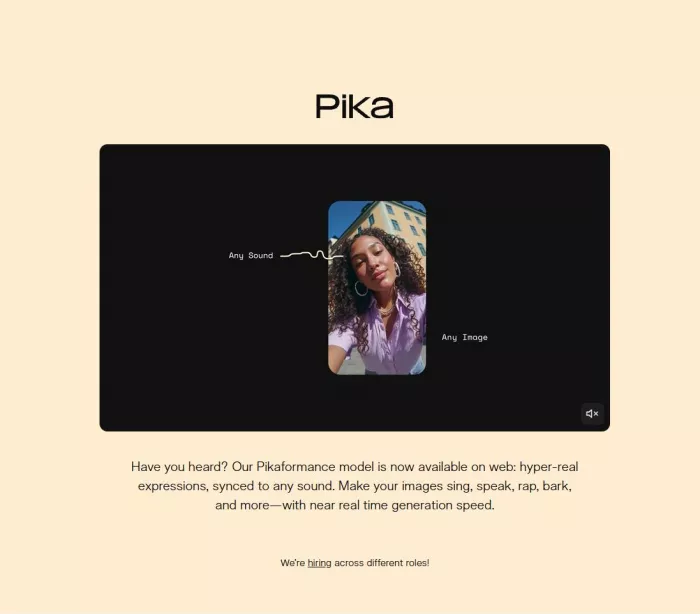
Pika has grown rapidly because of its simplicity and playful approach to AI video creation. Unlike more technical tools, Pika focuses on helping creators generate short, visually appealing videos with minimal effort.
The tool works mainly through text-to-video and image-to-video prompts. You describe a scene, choose a style, and Pika generates a short animated clip that feels dynamic and social-media-ready. The platform is especially popular among content creators who want fast results for platforms like Instagram, TikTok, and YouTube Shorts.
Pika shines when it comes to speed and accessibility. You don’t need prior editing experience, and the interface feels friendly rather than intimidating. Many creators use it to visualize ideas, create looping animations, or add motion to static designs.
However, Pika’s simplicity also brings limitations. Videos are usually shorter, and fine-grained control over motion or camera movement is limited compared to more advanced tools. It’s not designed for long-form storytelling or detailed commercial projects.
Pricing is relatively affordable, with a free tier for experimentation and paid plans that unlock longer videos, faster rendering, and commercial usage. Pika is ideal for creators who value speed, creativity, and ease of use over deep customization. Pika – Fast, Fun, and Creator-Focused Video Generation
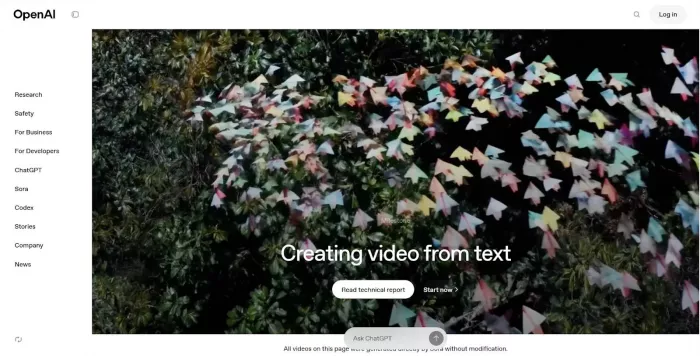
Sora represents a major shift in how AI understands video. Rather than just generating short clips, Sora is designed to create complex, realistic scenes with consistent characters, environments, and motion over time.
What makes Sora special is its understanding of physics, depth, and storytelling. You can describe a detailed scenario, and the AI generates a video that feels more like a scene from a film than an animation. This has made it one of the most anticipated tools for filmmakers, advertisers, and storytellers.
In practical use, Sora is often used for concept visualization, cinematic storytelling, brand films, and high-end creative projects. It allows teams to test ideas visually before investing in full production.
The biggest advantage of Sora is realism. Movements feel natural, lighting behaves realistically, and scenes have continuity. The main limitation is accessibility. As of 2026, access is still limited, and generation times can be longer than simpler tools. It also requires carefully written prompts to get the best results.
Pricing is positioned at the premium end, aimed more at professionals and businesses than casual users. Sora is best for those who want cinematic quality and are willing to invest time and budget into high-impact visuals. Sora – The Leap Toward Realistic AI Video Worlds
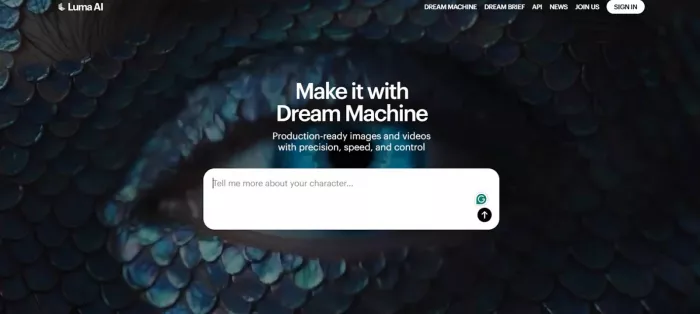
Luma Dream Machine takes a unique approach by focusing on spatial awareness and 3D-like realism. Instead of flat video generation, Luma excels at creating scenes that feel grounded in real space, with smooth camera movements and depth.
The tool works by generating videos from text prompts while maintaining a strong sense of environment and perspective. This makes it especially useful for architectural visuals, product showcases, and cinematic fly-throughs.
In real-world scenarios, creators use Luma to animate product shots, visualize spaces, or create immersive scenes for ads and presentations. The camera motion feels intentional, which helps videos look more professional and less “AI-generated.”
One of Luma’s biggest strengths is visual consistency, especially in scenes that involve movement through space. However, character animation and facial expressions are not its strongest areas yet, making it less suitable for dialogue-heavy content.
Luma offers limited free usage and paid plans based on generation volume. It’s a strong choice for creators who care about realism, depth, and camera motion rather than avatars or talking videos. Luma Dream Machine – 3D-Aware Video Creation Made Simple
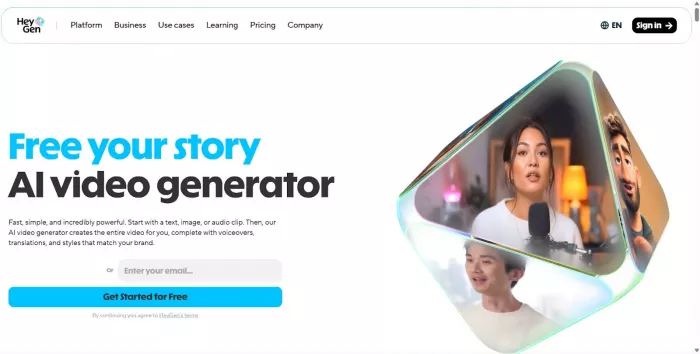
HeyGen is one of the most practical AI video tools for businesses in 2026. Instead of focusing on cinematic visuals, HeyGen specializes in AI-generated human presenters that speak naturally and look professional.
The process is simple. You choose an AI avatar, write a script, select a voice and language, and generate a video where the avatar delivers your message. This makes HeyGen extremely popular for marketing videos, sales presentations, onboarding content, and internal communications.
HeyGen’s biggest advantage is clarity and consistency. Businesses can create dozens of videos without worrying about cameras, lighting, or reshoots. The avatars support multiple languages, which is ideal for global teams.
The main limitation is creative freedom. Videos are mostly presenter-based, so it’s not the right tool for storytelling or cinematic content. Some users may also find AI avatars slightly less personal than real humans.
Pricing is subscription-based, with plans depending on video length, avatar access, and commercial rights. HeyGen is perfect for professionals who want fast, scalable, and polished communication videos. HeyGen – Human-Like AI Videos for Business and Marketing
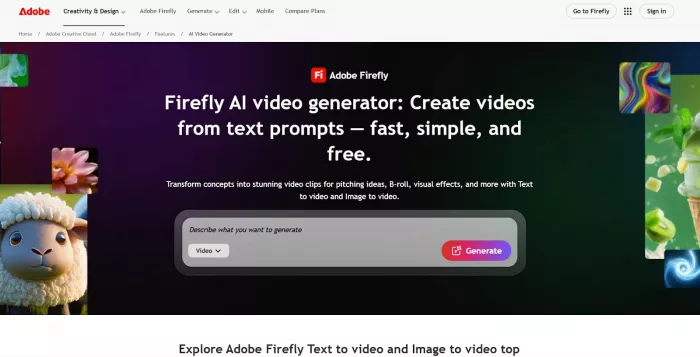
Adobe Firefly Video brings AI video generation into the familiar Adobe ecosystem. Designed with professionals in mind, Firefly focuses on safe, high-quality AI content that integrates directly with tools like Premiere Pro and After Effects.
Firefly Video allows users to generate clips, extend scenes, add visual effects, and modify footage using text prompts. What makes it unique is its emphasis on commercial safety, meaning content is trained and generated in a way suitable for professional and brand use.
In real-world workflows, Firefly is often used to speed up editing rather than replace it. Editors generate background clips, enhance scenes, or experiment with visuals before finalizing projects in traditional timelines.
The advantage here is trust and integration. Adobe users don’t need to learn a new ecosystem, and generated assets fit smoothly into existing projects. The limitation is that Firefly is less experimental than tools like Runway or Sora.
Pricing is typically bundled with Adobe Creative Cloud plans, making it cost-effective for existing Adobe users but less attractive for beginners who don’t already use Adobe software. Adobe Firefly Video – AI Meets Professional Editing
AI video tools in 2026 are not replacing creativity they are amplifying it. Whether you’re a solo creator, a marketer, or a growing business, these platforms make video creation faster, cheaper, and more accessible than ever before.
If you want cinematic visuals and creative freedom, tools like Runway, Sora, and Luma Dream Machine stand out. For quick social content, Pika is a strong choice. Businesses focused on communication and training will find HeyGen incredibly practical, while professionals already in the Adobe ecosystem will benefit most from Adobe Firefly Video.
The best tool depends on your goals, budget, and the type of videos you want to create. Start small, experiment with free plans, and choose the platform that fits your workflow. As AI continues to evolve, video creation will only become more intuitive and the barrier between ideas and execution will keep getting smaller.
AI-powered image editing has moved far beyond simple filters. Today’s...

AI chat platforms built around fictional characters and roleplay conve...
AI chat platforms have evolved far beyond simple question-and-answer b...
Platform OverviewCutout.pro is an AI-powered image editing platform de...

AI chat platforms designed for roleplay and interactive conversations...
Goth AI is a character-based AI chat platform designed for dark, gothi...

Discussion