Instead of thinking about tools, it is easier to think in terms of repetitive work patterns.
Most automation needs fall into four buckets:
● Repetitive tasks like data entry and emails
● Content workflows like writing, formatting, publishing
● Business operations like leads, CRM updates, reporting
● Personal workflows like scheduling, file handling
The tools that work are the ones that plug into these patterns naturally.
This is the most common use case. And also the one where people realize quickly whether a tool actually saves time.
Zapier has been around for years, but its AI layer changes how workflows are built.
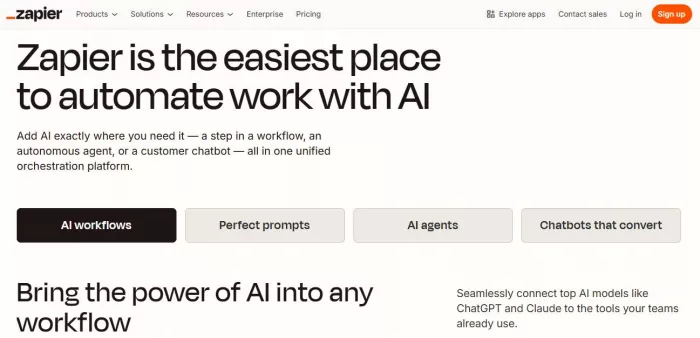
What it replaces:
Manual task chaining. Instead of writing multiple steps manually, you can describe a workflow and let AI generate it.
Where it saves time:
Quick setup. You can automate things like:
● New form submission → AI summarizes → sends email → logs to CRM
● Incoming email → AI categorizes → routes to correct system
It removes the need to think step-by-step during setup.
Where it becomes frustrating:
Cost and scale. Zapier charges per task, and once workflows grow, costs increase quickly. Also, complex logic still requires manual tuning.
Pricing starts with a free tier, but meaningful usage typically moves into $20 to $50 per month or higher depending on volume.
Zapier is easy to start, but expensive to scale.
Make is what people switch to when Zapier feels limiting.

What it replaces:
Manual workflow logic building. It allows visual construction of complex workflows with branching and conditions.
Where it saves time:
Flexibility. You can build deeply customized automations like:
● Multi-source data aggregation
● Conditional workflows based on AI outputs
● Advanced scheduling and error handling
Where it becomes frustrating:
Complexity. The same flexibility that makes Make powerful also makes it harder to manage. Debugging can become time-consuming.
Pricing starts lower than Zapier, often around $10 per month, but increases with operational usage.
Make saves time at scale, but costs time in learning and maintenance.
This is where automation shifts from “connecting tools” to “doing work.”
Relay focuses on human-in-the-loop automation powered by AI.
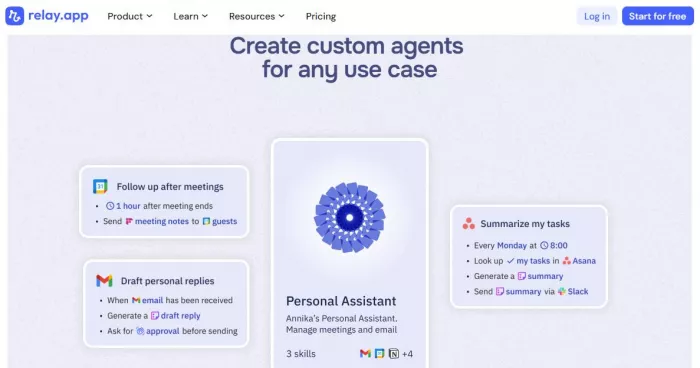
What it replaces:
Manual coordination between tools. Instead of setting rigid workflows, Relay lets AI handle flow and exceptions.
Where it saves time:
Adaptive workflows. For example:
● Incoming request → AI decides next step → routes or asks for input
● Automations that adjust based on context rather than fixed rules
Where it becomes frustrating:
Still evolving. Some workflows require refinement, and AI decisions are not always predictable.
Pricing is still evolving, but typically includes free or early-stage plans with scaling for teams.
Relay reduces rigid workflow management, which is where most time is usually lost.
Lindy pushes further into AI agents that execute tasks.
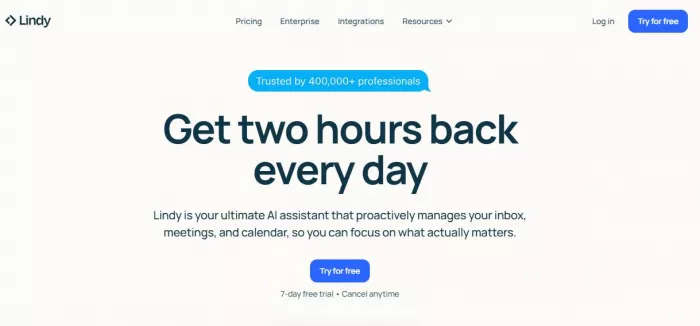
What it replaces:
Manual execution of repetitive workflows like research, follow-ups, and data processing.
Where it saves time:
Delegation. You can assign tasks like:
● Research and summarize
● Monitor events and respond
● Execute multi-step processes autonomously
Where it becomes frustrating:
Control. When AI handles execution, visibility and predictability can drop. You trade control for speed.
Pricing varies, often based on usage or agent complexity.
Lindy is closer to true automation, but requires trust in the system.
This is where workflows connect directly to outcomes like revenue and operations.
Airtable combines structured data with automation.
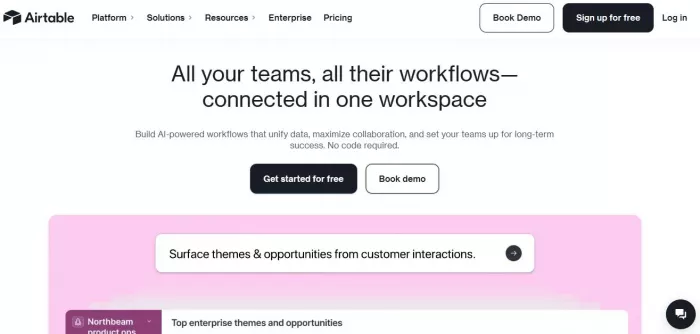
What it replaces:
Manual data handling across spreadsheets and tools.
Where it saves time:
Structured workflows. For example:
● Lead enters system → AI enriches data → assigns owner → triggers follow-up
● Content pipeline tracking with automated updates
Where it becomes frustrating:
Scaling complexity. As workflows grow, managing relationships between tables and automations becomes harder.
Pricing starts with a free plan, with automation limits increasing in paid tiers around $20 per user per month.
Airtable works best when your workflows depend on structured data.
Bardeen operates inside your browser, which changes how automation feels.

What it replaces:
Manual repetitive actions like copying data, filling forms, and scraping information.
Where it saves time:
Direct execution. Instead of building workflows, you trigger automations while working:
● Extract data from websites → send to CRM
● Automate LinkedIn workflows
● Handle repetitive browser tasks
Where it becomes frustrating:
Scope. It is powerful within the browser, but less suited for full system automation across multiple platforms.
Pricing includes a free plan, with paid tiers starting around $10–$30 per month.
Bardeen is one of the fastest ways to remove micro-tasks that consume time daily.
This is not about features. It is about how much manual work disappears.
| Tool | Starting Price | Best For | Limitation |
| Zapier AI | Free / ~$20+ | Fast setup and simple workflows | Expensive at scale |
| Make | ~$10+ | Complex, customizable automation | Steep learning curve |
| Relay.app | Free / scaling | AI-driven adaptive workflows | Still evolving |
| Lindy AI | Usage-based | Autonomous task execution | Less predictable control |
| Airtable | Free / ~$20+ | Structured business workflows | Complex at scale |
| Bardeen | Free / ~$10+ | Browser-level automation | Limited outside browser |
This table reflects effort reduction, not capability.
Automation is not “set and forget.”
Things break:
● APIs change
● Data formats shift
● AI outputs vary
● Edge cases appear
Every automation system requires some level of maintenance.
Also, AI introduces uncertainty:
● Summaries may be wrong
● Decisions may be inconsistent
● Outputs may require validation
The question is not whether automation removes all work but whether it removes enough repetitive work to justify its existence?
Most people choose automation tools based on features, but that rarely leads to better outcomes. The real decision comes down to one question: what work are you trying to eliminate?
● For quick setup and immediate results, Zapier AI is the most practical starting point. It removes small repetitive tasks fast and requires minimal learning.
● When workflows become more complex and require deeper control, Make becomes the better long-term option. It demands more effort upfront, but pays off in flexibility and scalability.
● For those moving toward AI-led automation where systems handle decisions instead of just actions, Relay.app and Lindy AI offer a more advanced direction. These tools reduce the need to manually define every step.
● In cases where workflows depend heavily on structured data such as leads, pipelines, or internal processes, Airtable provides the strongest foundation. It connects automation directly to organized business systems.
● If the goal is to eliminate small, repetitive browser tasks immediately, Bardeen delivers the fastest visible impact without requiring full workflow setup.
The key mistake is trying to rely on a single tool for everything. Automation works best when tools are aligned with specific types of work rather than forced into every use case.
Most platforms help you build automation. Very few reduce the need to manage it afterward.
● Zapier AI stands out for speed and accessibility. Make stands out for long-term power. Relay.app represents a shift toward automation that can think, not just execute.
● The simplest path is clear. Start with Zapier AI to remove quick, repetitive tasks. Transition to Make when workflows become more demanding. Move toward Relay or Lindy when the goal is to reduce decision-making itself.
Anything outside this progression risks creating another system that requires constant attention instead of one that actually reduces your workload.

What "Safe" and "Legit" Actually Mean HereMost reviews answer neither...

Intel has joined Elon Musk’s ambitious “Terafab” semiconductor initiat...

April 7, 2026Samsung Electronics said Tuesday it expects first-quarter...
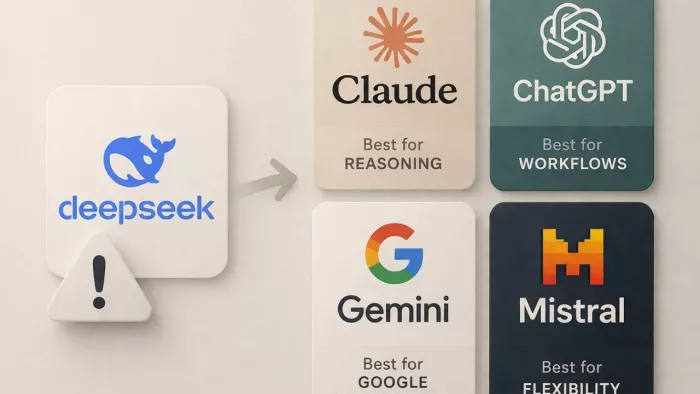
DeepSeek AI usually stops meeting expectations at a very specific poin...

For the past few months, a name kept appearing in my inbox and social...

Anthropic is tightening how its AI coding platform is billed, confirmi...

Discussion