AI-powered image editing has moved far beyond simple filters. Today’s tools can swap faces, generate realistic headshots, remove backgrounds, retouch portraits, and even create entirely new images from prompts. Platforms like Remaker AI have grown popular because they make these capabilities accessible without requiring professional editing skills.
Remaker AI is generally used for AI face swapping, AI headshot generation, portrait enhancement, and basic image manipulation. The appeal lies in speed and simplicity. Upload a photo, choose a feature, and the AI generates results almost instantly.
However, Remaker AI is not always the best fit for every workflow. Some users find the output inconsistent for professional work. Others want deeper editing control, better creative tools, or stronger privacy guarantees. Because of this, many creators and casual users look for more capable Remaker AI alternatives.
The platforms below represent the strongest options currently available. Each tool approaches AI image editing differently, which means the best choice depends heavily on what you actually want to accomplish.
| Tool | Best For | Strength | Typical Pricing |
| Fotor | AI photo editing | Strong enhancement tools | Freemium |
| Picsart | Creative editing | Social media visuals | Freemium |
| DeepSwap | Face swaps | Video and image swaps | Paid |
| FaceApp | Portrait edits | Realistic face filters | Freemium |
| Reface | Entertainment swaps | Meme and video swaps | Subscription |
| Artguru | AI portraits | Avatar generation | Freemium |
| Canva | Marketing visuals | Design ecosystem | Freemium |
| PhotoRoom | Product images | Background removal | Freemium |
Fotor has evolved into one of the most reliable AI photo editing environments available online. Instead of focusing on a single feature like face swapping, it offers a broad toolkit designed for both casual editing and creator workflows.
The platform works directly in the browser and combines multiple AI-powered editing tools inside one interface. For users who want quick improvements without learning complex software, it delivers a good balance between automation and manual adjustments.
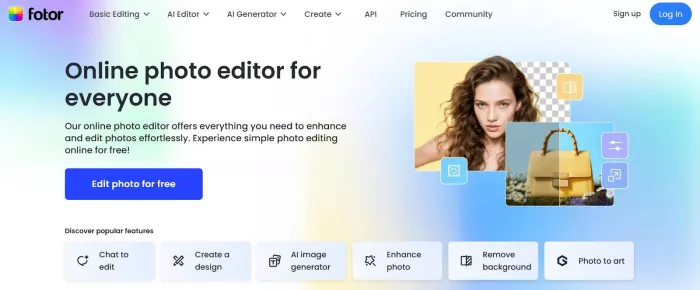
What makes Fotor attractive is its ability to handle several common editing tasks at once. A user can enhance a portrait, generate a professional headshot, remove the background, and upscale the image without switching platforms.(https://www.fotor.com/)
Key capabilities include:
1. AI portrait retouching
2. AI headshot generator
3. background removal
4. image upscaling
5. object removal
6. AI art generation
One of Fotor’s biggest strengths is accessibility. The interface is clean, the tools are easy to understand, and beginners rarely feel overwhelmed. That makes it particularly appealing to creators who want professional-looking images without advanced editing knowledge.
However, it is not perfect. While Fotor offers a wide range of tools, its face swap capabilities are not as advanced as dedicated platforms. Some AI-generated headshots can also look overly polished or slightly artificial.
Pricing generally follows a freemium model:
1. Free plan with basic features
2. Pro plan roughly $8–$20 per month depending on billing
Fotor works best for:
1. content creators
2. social media managers
3. bloggers and freelancers
It is less suited for users who need high-precision face swaps or complex image compositing.
Picsart approaches AI editing from a completely different angle compared to Remaker AI. Instead of focusing on automated transformations, it provides a creative editing environment where users can experiment with images.
The platform has grown into a full ecosystem that combines AI editing tools, filters, stickers, drawing tools, and design features. For creators who work heavily with social media content, this flexibility can be extremely valuable.
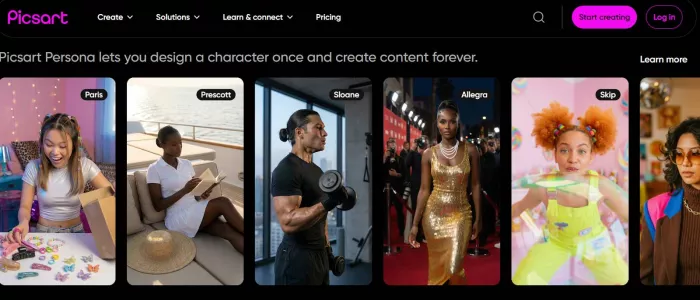
The editing process feels more like working inside a lightweight design studio rather than using a single-purpose AI generator.(https://picsart.com/)
Core features include:
1. AI image generator
2. background remover
3. object removal
4. AI avatars
5. creative filters and overlays
6. sticker libraries
The biggest advantage of Picsart is its creative freedom. You are not limited to a single automated process. Instead, users can layer effects, experiment with AI tools, and customize visuals for different platforms.
At the same time, the large number of features can make the interface feel slightly cluttered, especially for beginners.
Pricing structure:
1. Free version with ads
2. Paid plans typically cost between $5 and $13 per month
Picsart is ideal for:
1. meme creators
2. TikTok and Instagram creators
3. designers making quick visual edits
It is less suitable for users looking for high-quality face swapping or professional portrait editing.
DeepSwap is one of the strongest alternatives for users specifically interested in face swapping. Unlike Remaker AI, which spreads its focus across several features, DeepSwap concentrates heavily on face replacement technology.
The platform supports both image and video face swaps, which immediately sets it apart from many competing tools. Video swaps require significantly more advanced AI processing, and DeepSwap handles them surprisingly well.(https://www.deepswap.ai/)
Instead of offering dozens of editing tools, the platform focuses on doing one thing well: generating convincing face replacements.
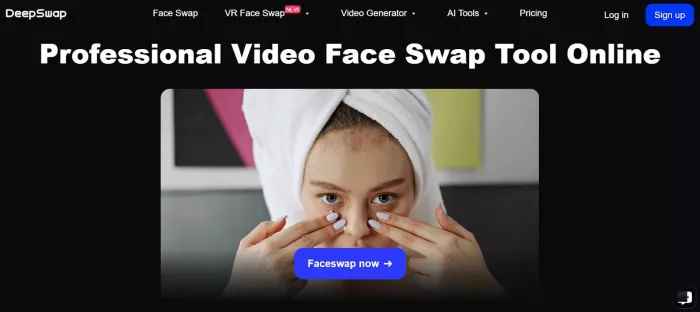
Key capabilities include:
1. image face swap
2. video face swap
3. multi-face replacement
4. HD export
In many cases, DeepSwap produces more accurate facial alignment than general-purpose tools. Skin tone blending and expression mapping tend to look more natural, particularly when swapping faces in video clips.
However, the platform’s narrow focus also means you will not find advanced editing tools like retouching or background editing.
Pricing overview:
● Subscription plans usually start around $10 per month
DeepSwap works well for:
1. meme creators
2. video editors
3. experimental AI content creators
It is not ideal for users who need a full photo editing suite.
Privacy is also an important factor here. Face swap tools process highly identifiable images, and users should be cautious when uploading photos of other individuals without consent.
FaceApp became widely known for its viral filters, but beneath the novelty lies one of the most technically impressive portrait editing engines available in a mobile app.
The platform uses neural networks trained specifically for facial transformations. This is why its results often look more realistic than standard filters found in photo editing apps.(https://www.faceapp.com/)
Instead of editing the entire image, FaceApp focuses on modifying facial features directly, which leads to more natural outcomes.
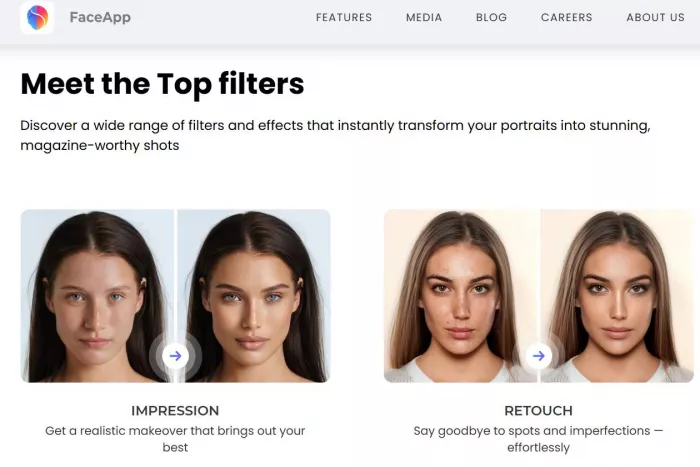
Core capabilities include:
1. age transformation
2. hairstyle modification
3. beard and makeup filters
4. portrait retouching
The AI models used by FaceApp are particularly good at preserving natural lighting and facial texture, which helps avoid the “plastic” look seen in some AI filters.
Pricing structure:
1. free version available
2. premium subscription around $5–$8 per month
FaceApp is best suited for:
1. selfie editing
2. portrait transformations
3. casual experimentation
However, the tool does not offer broader editing features such as design templates or advanced compositing.
Privacy concerns have also been raised in the past about how facial images are processed, so users should review the platform’s data policies carefully.
Canva is rarely mentioned in discussions about face editing tools, yet it has quietly integrated several powerful AI features into its design platform.
Unlike most Remaker AI alternatives, Canva does not position itself as an image editing tool alone. Instead, it combines AI editing with a complete visual design ecosystem used by millions of creators and marketers.(https://www.canva.in/)
This means that images can be edited and immediately placed into presentations, marketing graphics, or social media posts.
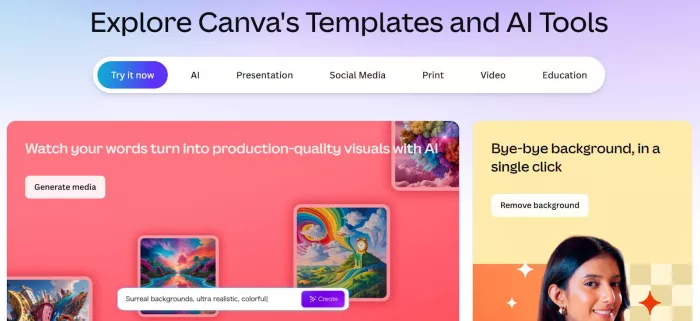
Key AI tools available in Canva include:
1. Magic Edit object replacement
2. background removal
3. AI image generation
4. portrait enhancement
5. headshot generation
The main advantage of Canva is workflow efficiency. Rather than exporting images between multiple tools, users can design, edit, and publish content inside one environment.
Pricing overview:
1. free plan with basic tools
2. Canva Pro is around $12–$15 per month
Canva works best for:
1. marketers
2. content creators
3. small businesses
It is less suitable for advanced face swaps or experimental AI editing.
| Feature | Remaker AI | Fotor | Picsart | DeepSwap | FaceApp | Canva |
| Face Swap | Yes | Limited | Basic | Strong | Limited | No |
| AI Headshots | Yes | Yes | Yes | No | No | Limited |
| Portrait Editing | Moderate | Strong | Moderate | Low | Strong | Moderate |
| Video Face Swap | No | No | No | Yes | No | No |
| Marketing Design | Weak | Moderate | Moderate | No | No | Strong |
The best Remaker AI alternative ultimately depends on what you need from the tool rather than which platform has the most features.
1. If your goal is general photo editing and AI headshots, Fotor offers one of the most balanced experiences.
2. Creators who prioritize creative editing and social media visuals often prefer Picsart because of its flexibility and design tools.
3. Users specifically interested in high-quality face swaps will likely get better results from DeepSwap, especially when video content is involved.
4. For portrait transformations and selfie editing, FaceApp remains one of the most refined options available.
5. Meanwhile, marketers and businesses frequently benefit from Canva because it integrates AI editing with a complete design workflow.
Budget also matters. Casual users may find free plans sufficient, while professionals usually require paid tiers for higher-resolution exports and unlimited usage.
The key is identifying whether your priority is face swapping, portrait editing, creative design, or marketing visuals. Once that need is clear, choosing among the best Remaker AI alternatives becomes far easier.
AI chat platforms built around fictional characters and roleplay conve...
AI chat platforms have evolved far beyond simple question-and-answer b...
Platform OverviewCutout.pro is an AI-powered image editing platform de...
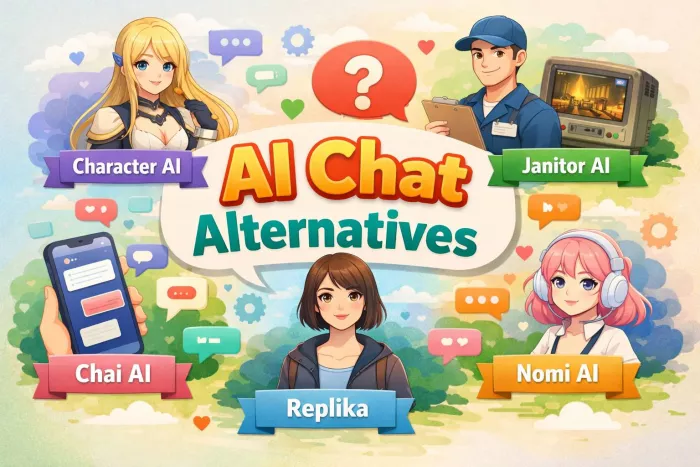
AI chat platforms designed for roleplay and interactive conversations...
Goth AI is a character-based AI chat platform designed for dark, gothi...
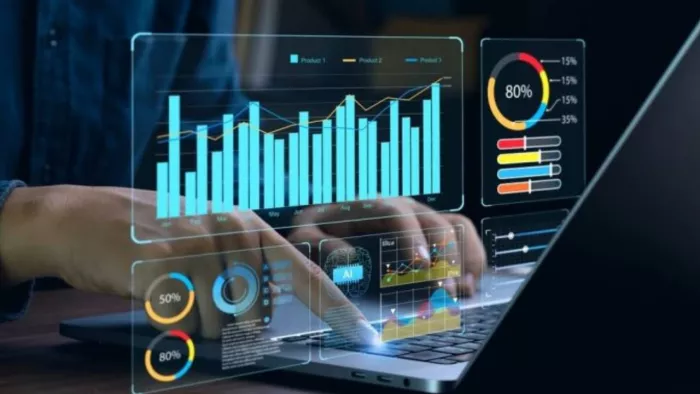
Artificial Intelligence (AI) is increasingly taking a front seat in sh...

Discussion