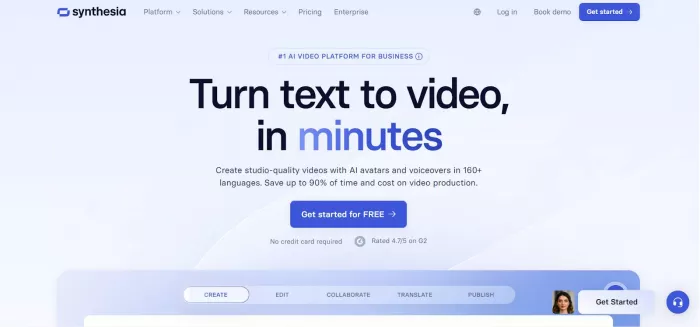
Synthesia is one of the most established AI video creation tools, used widely by businesses for training, onboarding, marketing, and explainer videos. (AI Applications for Every Need). Synthesia
● 140+ realistic AI avatars with lip-sync and gestures
● Supports 120+ languages and accents
● Custom brand kits and professional templates
● Team collaboration and workspace features
● API access for automation (aistudios.com)
● More enterprise-ready with team features and custom branding
● Cost can be high for small creators
● Templates and editing flexibility can feel rigid compared to some alternatives (AI Applications for Every Need)
● Businesses creating training and internal communications
● Large teams needing collaboration
● Marketers producing globalized content
● Free plan (limited minutes & watermarked videos)
● Paid plans from ~$30/month up to enterprise pricing with custom limits (aistudios.com)
● Very professional, polished results
● Strong enterprise tools
● Wide language support
● Pricier than basic tools
● Less flexible for creative indy creators
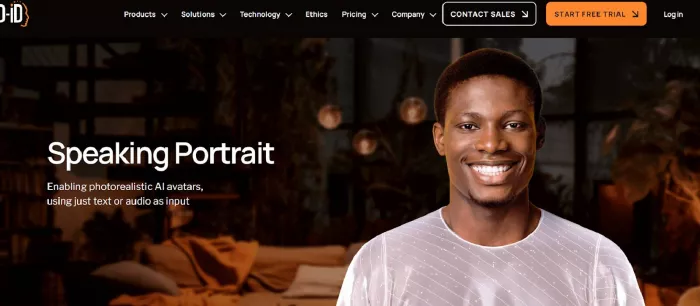
D-ID specializes in transforming photos (like headshots) into lifelike talking avatars with natural motion. (AI Applications for Every Need). D-ID
● Create avatars from a single photo
● Supports multiple languages and voices
● Interactive AI chat avatar features
● API access for developers (AI Applications for Every Need)
● More realistic facial expressions from photos
● Avatar library smaller than HeyGen’s
● Focused more on portrait/face animation than full avatars (AI Applications for Every Need)
● Creators wanting personalized, photo-based avatars
● Developers building interactive AI agents
● Educators or storytellers animating characters
● Free plan with watermarks
● Paid plans start around ~$5.90/month (basic) up to higher tiers for more minutes (QuickShot)
● Very affordable start
● Photo-based animation is unique
● API available
● Not ideal for full studio-style avatar videos
● Free plan watermarks can be distracting
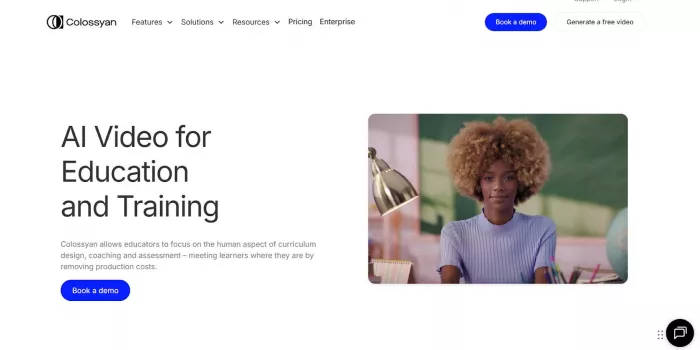
Colossyan is an AI video platform focused on simplicity and instructional content — especially good for e-learning and training modules. (aistudios.com). Colossyan
● Simple script-to-video workflow
● Natural presenter avatars
● Scenario templates for structured lessons
● Supports team feedback and collaboration (aistudios.com)
● More intuitive for educational video workflows
● Avatars less expressive than some competitors
● Less creative customization (aistudios.com)
● Teachers creating lessons
● Trainers producing knowledge videos
● Teams needing structured video workflows
● Entry plans around ~$19–35/month (varies by region)
● Higher tiers unlock more languages and team features (VidAU.ai)
● Very simple for beginners
● Good language and translation support
● Not ideal for brand-heavy marketing
● Editing depth is limited
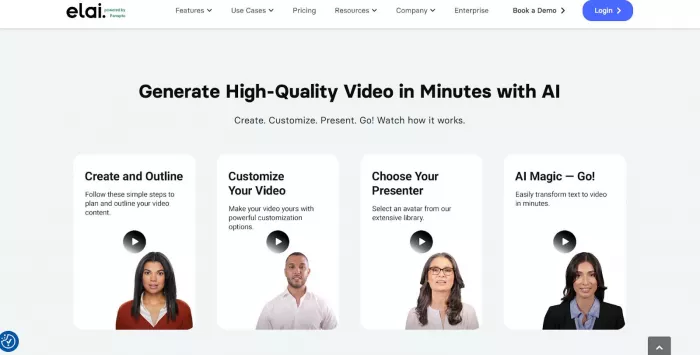
Elai.io focuses on custom avatars and localized video content with support for many languages. (Colossyan)
● Prompt-to-video workflows
● Automatic translations
● Custom avatar creation from selfies
● Professional templates and multi-slide builder (Colossyan)
● Great localization support
● Fewer gesture/animation options
● No built-in screen recording (Colossyan)
● Businesses targeting global audiences
● Content creators needing avatars that resemble them
● Educators making localized lessons
● Plans start around ~$29/month
● Advanced and enterprise tiers offer more minutes and features (Colossyan)
● Strong multilingual and localization tools
● Custom avatar options
● Mid-range cost
● Limited editing around avatars
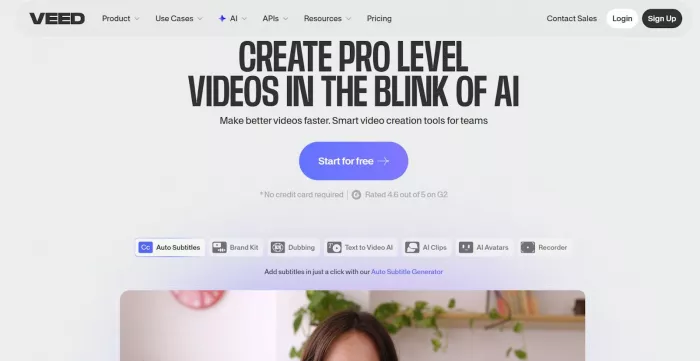
VEED.io isn’t a pure avatar tool — it’s a full video editor that includes AI avatars and transcription features, making it great for creators who want editing plus AI capabilities. (ngram.com). VEED.io
● Drag-and-drop editing
● Auto-subtitles and captioning
● Basic AI avatars and presenters
● Collaboration and brand kits (ngram.com)
● Best for editing + avatars in one place
● Avatar realism and customization less than dedicated tools (ngram.com)
● Social media video creators
● YouTubers and Snapchat/TikTok users
● Small businesses doing basic video marketing
● Free plan with basic features
● Paid plans generally from ~$15–30/month depending on needs (ngram.com)
● Excellent editor built in
● Good for social content
● Not as avatar-focused
● Limited realistic avatars
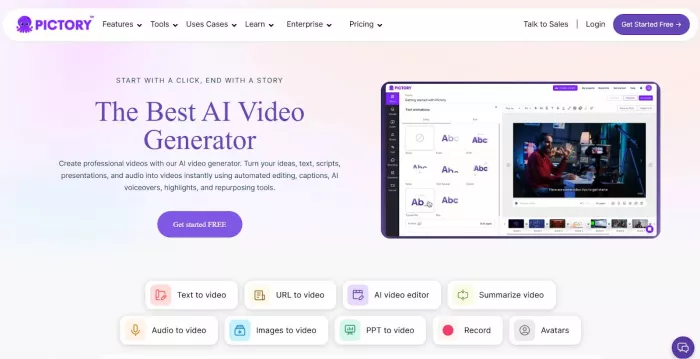
Pictory isn’t avatar-centric but is great for turning text (blogs, scripts) into engaging videos — useful if your goal is more about converting content than lifelike avatars. (1forAll.ai). Pictory
● Auto video creation from text
● Captioning, summarization tools
● Quick editing for social videos (1forAll.ai)
● Great for content repurposing
● Quick turn-around
● Doesn’t focus on talking avatars (1forAll.ai)
● Bloggers & marketers turning text into video
● Social media content creation
● Fast & simple workflow
● Lacks avatar-focused features
| User Need | Best Pick |
| Budget / beginners | D-ID (affordable starter), VEED.io (free editing + AI) |
| Creators & social media | VEED.io, Pictory |
| Educators / trainers | Colossyan, Elai.io |
| Professionals & enterprise | Synthesia |
| Photo-based personalization | D-ID |
● Choose Synthesia if you want polished, enterprise-grade videos with team tools.
● Go with D-ID for lifelike talking avatars from photos on a budget.
● Pick Colossyan or Elai.io if your focus is education or multilingual content.
● Use VEED.io if editing flexibility and social content creation matter most. (aistudios.com)
AI avatar tools let you create digital characters or virtual represent...

Legal work has always been knowledge work. What’s changed is the volum...
Logos used to be expensive and time-consuming to create. Today, AI log...
Picture this:You open your usual AI chatbot, ask for a creative rolepl...

Introduction: Why This Shift Matters NowFor more than two decades, Goo...

There was a time when manual Google Ads management was a competitive a...

Discussion