AI website builders have shifted from simple template tools to systems that can generate full websites from prompts. The key difference today is not whether a tool is “no-code,” but how much of the workflow it automates and how scalable the output is.
Most modern AI builders follow a similar pipeline: user input → AI-generated layout → editable visual interface → publishing. What separates them is pricing efficiency, customization depth, and real-world usability based on verified reviews.
This guide compares balanced mid-tier AI no-code builders based on:
● Pricing transparency
● Verified ratings (Trustpilot, G2, Capterra)
● Speed vs control tradeoff
● Real-world usability
| Tool | AI Capability Level | Best Use Case | Pricing Range | Avg Rating |
| Wix AI | Advanced | Scalable business websites | $17–$159/month | 4.2–4.6 |
| Hostinger AI Builder | Moderate | Budget websites | $2.99–$6.99/month | 4.4–4.8 |
| Durable AI | Fast automation | Quick business sites | $12–$20/month | ~4.3 |
| Framer AI | Design-focused | Modern landing pages | $5–$30/month | ~4.5 |
| Jimdo AI | Beginner-friendly | Simple sites | $9–$39/month | ~4.3 |
| CodeDesign AI | AI-first generation | MVP websites | $15–$49/month | ~4.4 |
Wix remains the most feature-rich AI website builder in the no-code category. Its conversational AI generates a complete website based on business inputs, including layout, content, and images.
The strength of Wix is not just generation speed but post-generation flexibility. Unlike faster tools, it allows deep customization through a drag-and-drop editor and an ecosystem of over 500 apps. This makes it suitable for users who want both automation and long-term scalability.
From a pricing perspective, Wix operates on a tiered subscription model ranging from basic personal sites to enterprise-level business plans. While the entry point is affordable, costs can scale quickly with add-ons and premium features.
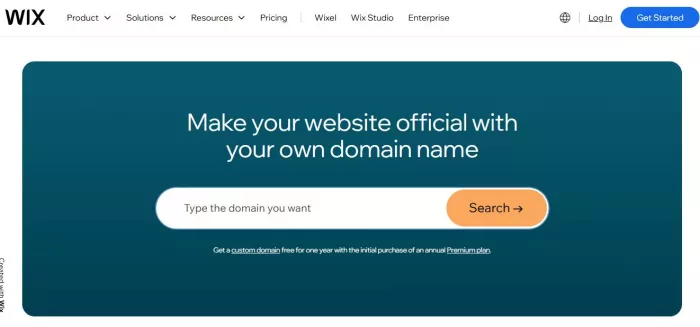
User sentiment is consistently strong across platforms. Trustpilot ratings reach 4.6/5 with tens of thousands of reviews, while G2 and Capterra maintain scores above 4.2, indicating stable satisfaction across different user segments.
Hostinger positions itself as the most cost-efficient AI builder while still offering a full no-code experience. The platform combines hosting, AI generation, and basic business tools into a single entry-level package.

The AI builder creates websites using structured prompts and includes features like AI content writing and heatmaps. However, compared to Wix, customization depth is limited, making it better suited for smaller projects rather than long-term scaling. (https://www.hostinger.com/in)
Its pricing is one of the lowest in the market, starting at around $2.99 per month with renewals increasing moderately. Despite the low cost, it maintains strong ratings, including around 4.4 on G2 and up to 4.8 overall satisfaction scores.
Durable focuses on speed over control. It can generate a fully functional website in under a minute, including business content, layout, and contact forms.
The tradeoff is visible in customization. Durable sites are functional but relatively simple, which makes them ideal for local businesses or freelancers who prioritize speed over design uniqueness.
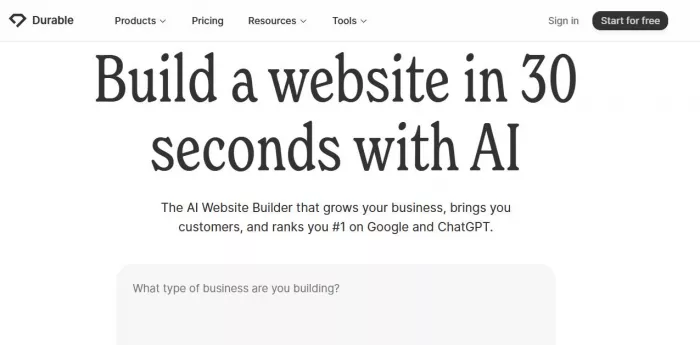
Pricing typically starts around $12 per month, placing it in the mid-range category. Reviews consistently highlight its speed advantage, though some users note limitations in design flexibility.
Framer AI is positioned for users who care more about design output than automation speed. It generates visually modern, responsive websites that align closely with current UI/UX trends.
Unlike tools like Durable, Framer offers more refined design control while still maintaining a no-code interface. This makes it particularly suitable for startups, portfolios, and landing pages.
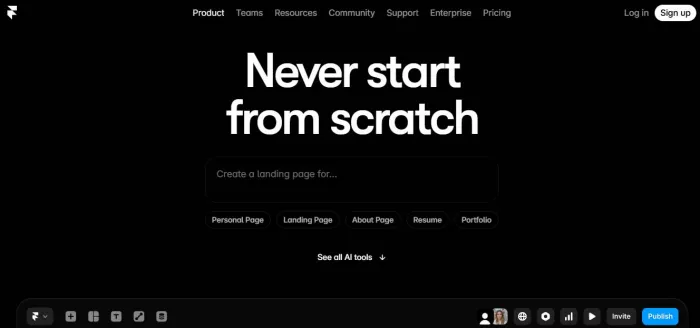
Pricing ranges from around $5 to $30 per month, depending on hosting and features. Its ratings generally hover around 4.5 across platforms, reflecting strong satisfaction among designers and creators.
Jimdo AI is designed for beginners who want a guided website creation experience. Its AI asks structured questions and builds a site accordingly, making it one of the easiest entry points into no-code website building.
The platform sacrifices flexibility for simplicity. Customization options are limited, but the onboarding experience is smoother than most competitors. (https://www.jimdo.com/)

Pricing falls between $9 and $39 per month. Ratings across review platforms average around 4.3, with users frequently highlighting ease of use rather than advanced capabilities.
CodeDesign AI is a newer entrant focused heavily on AI-first generation. It creates layouts, copy, and visual structure simultaneously, making it closer to a “complete first draft generator” than a traditional builder. (https://codedesign.ai/)
One of its differentiators is the ability to export code, which is uncommon in no-code tools. This makes it appealing for users who may later transition to development workflows.
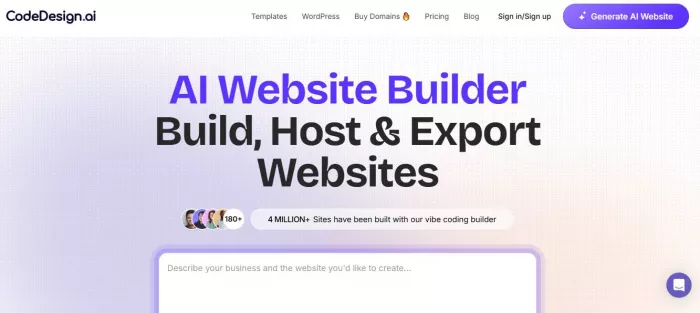
Pricing typically ranges from $15 to $49 per month. Early user feedback indicates strong performance in rapid prototyping and MVP creation, with ratings around 4.4.
| Feature | Wix AI | Hostinger AI | Durable | Framer AI | Jimdo AI | CodeDesign AI |
| AI Website Generation | Advanced | Moderate | Very fast | Advanced | Basic | Advanced |
| Customization | High | Medium | Low | High | Low | Medium |
| Design Quality | High | Medium | Basic | High | Basic | Medium |
| Ease of Use | Medium | High | Very high | Medium | Very high | Medium |
| Best For | Businesses | Budget users | Speed | Designers | Beginners | MVPs |
AI no-code website builders have moved beyond basic site generation and now fall into clearly defined performance segments based on real-world usage patterns.
Tools like Wix and Framer prioritize flexibility and long-term usability, making them suitable for users who need scalability beyond the initial build. Hostinger dominates the low-cost segment with strong value per dollar, especially for simple websites with limited customization needs. Durable leads in speed, allowing users to launch websites in minutes, but this comes with reduced design control. Jimdo simplifies onboarding through guided setup, though it lacks scalability for growing projects. CodeDesign is emerging as a strong option for rapid prototyping, especially for users who want an AI-generated structure with the option to expand later.
AI no-code website builders are no longer just beginner tools. The category has matured into three clear segments: speed-first builders for quick deployment, design-first builders for visual quality, and balanced platforms for scalability.
Choosing the right tool depends less on feature lists and more on workflow priorities. If the goal is to launch quickly, Durable or Hostinger performs best. If long-term growth and flexibility matter, Wix provides the most complete ecosystem. For modern and visually refined output, Framer stands out as the strongest option.
The key shift is that AI is not replacing website builders. Instead, it is compressing the initial build phase while keeping human control in the final output.

Anthropic is tightening how its AI coding platform is billed, confirmi...

Artificial intelligence has rapidly moved beyond productivity tools an...

April 4, 2026Elon Musk has asked banks involved in SpaceX’s anticipate...
When dashboards exist but decisions still stallA mid-sized ecommerce c...

Alternatives Based on What You Want to FixIf You Want Better Pipeline...

Canberra, April 1, 2026- The Australian government has entered into a...

Discussion