Website building has changed quietly but dramatically over the last few years. In 2026, many people no longer start with a blank canvas or a complex CMS. Instead, they describe what they want, answer a few questions, and let AI handle most of the heavy lifting.
This shift is not about replacing designers or developers. It is about removing friction for people who want a functional, good-looking website without weeks of setup. Small businesses, freelancers, creators, and even early-stage startups are driving the rise of AI website builders because speed matters more than perfection in many real-world scenarios.
After exploring several tools hands-on, some patterns become clear. Not all AI website builders are equal. Some are great for beginners, others shine for designers or growing businesses. Below are seven of the most relevant and widely used AI website builders in 2026, explained in plain language.
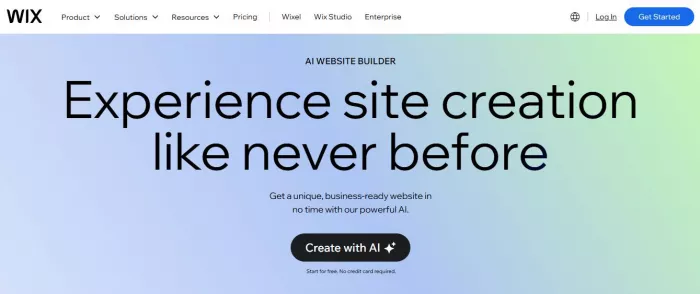
Wix AI is often the first AI website builder people encounter, and for good reason. It focuses heavily on ease of use and guided setup. (Wix AI)
Small business websites, personal sites, portfolios, and basic online stores.
Wix AI asks a few questions about your business and goals, then generates a full website layout with text, images, and structure. It can also rewrite content, suggest sections, and adapt designs later.
Very beginner-friendly. You can edit almost everything visually without touching code. Professionals may find it slightly restrictive, but beginners usually feel comfortable quickly.
Free plan available with branding. Paid plans typically range from low monthly fees for personal sites to higher tiers for ecommerce.
1. Extremely easy to start
2. Strong AI onboarding
3. Large template and app ecosystem
1. Less flexible for advanced custom layouts
2. Can feel heavy for performance-focused projects
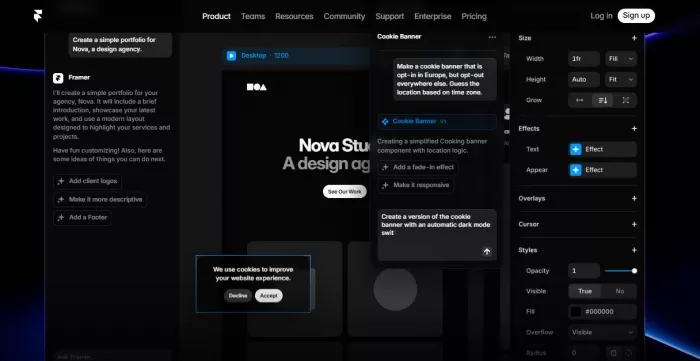
Framer AI targets a different audience. It is design-first and feels more like a modern creative tool than a traditional website builder. (Framer AI)
Portfolios, startup landing pages, product sites, and visually polished marketing pages.
Framer AI generates complete websites from short prompts. It creates layouts, copy, and responsive designs that feel modern and clean.
Beginner-friendly if you care about design, but not as guided as Wix. Designers and product teams will feel right at home.
Free tier available. Paid plans scale with site complexity and traffic.
1. High-quality design output
2. Fast landing page creation
3. Excellent responsiveness
1. Not ideal for large content sites
2. Ecommerce options are limited
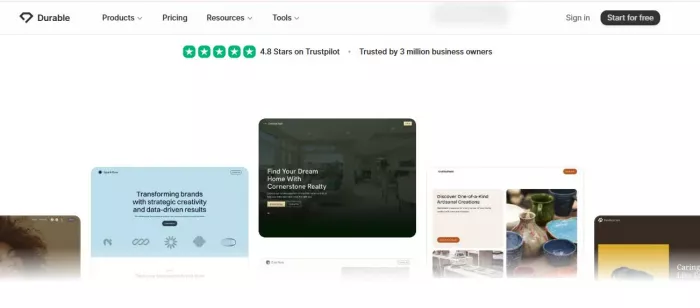
Durable focuses almost entirely on speed. It is built for people who want a website live in minutes, not days. (Durable)
Local businesses, service providers, consultants, and solo founders.
Durable generates a full business website in under a minute, including copy, layout, and basic SEO structure. It also includes AI tools for content editing and lead management.
Extremely beginner-friendly. There are fewer design choices, but that is intentional.
No long-term free plan. Paid plans are affordable and bundled with hosting.
1. Fastest setup experience
2. Clear business-focused structure
3. Minimal learning curve
1. Limited design customization
2. Not suitable for complex sites
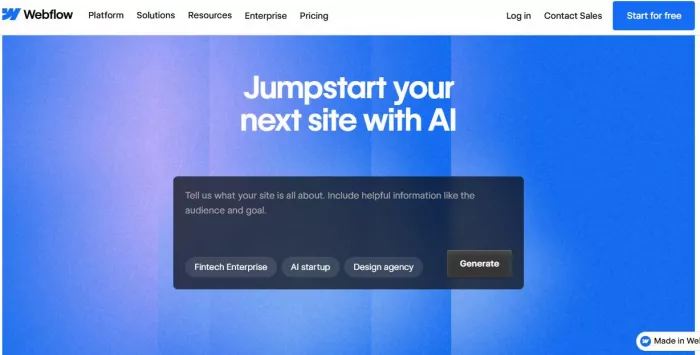
Webflow AI blends automation with control. It is not a “one-click” builder, but it rewards users who want flexibility. (Webflow AI)
Professional websites, content-heavy sites, marketing platforms, and scalable business websites.
Webflow AI assists with layout generation, content writing, CMS setup, and design suggestions. It accelerates workflows rather than fully automating them.
Moderate learning curve. Beginners can use it, but professionals benefit the most.
Free staging plan. Paid plans increase based on hosting, CMS usage, and traffic.
1. High design and layout control
2. Strong CMS capabilities
3. Clean code output
1. Takes time to learn
2. Overkill for simple websites
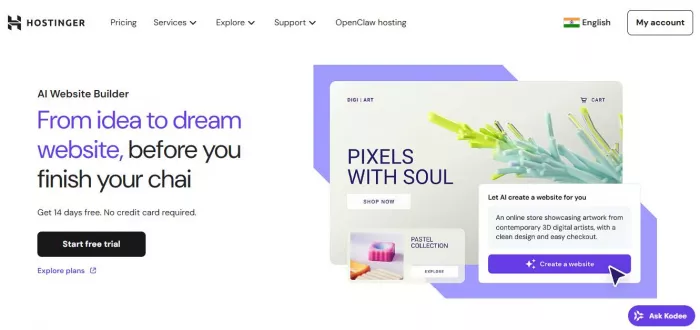
Hostinger’s AI builder combines website creation with affordable hosting, making it attractive for cost-conscious users. (Hostinger AI Website Builder)
Small businesses, personal projects, blogs, and entry-level ecommerce.
AI generates site structure, content, images, and basic SEO suggestions. It also helps with layout tweaks and text rewriting.
Beginner-friendly, especially for users new to hosting and domains.
Very affordable. Often bundled with hosting plans at low monthly costs.
1. Budget-friendly pricing
2. Hosting included
3. Simple setup process
1. Designs are simpler
2. Fewer advanced customization options
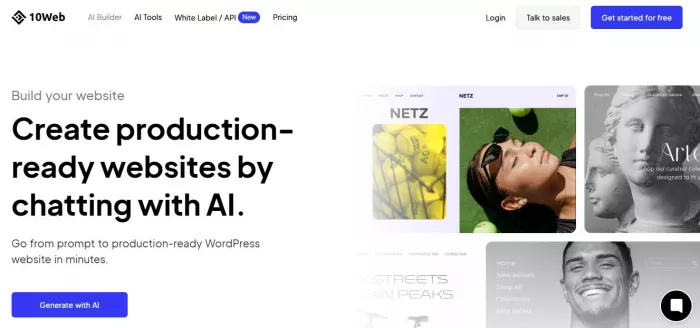
10Web takes a unique approach by combining AI with WordPress rather than replacing it. (10Web)
Business websites, agencies, WordPress users, and ecommerce sites using WooCommerce.
10Web can recreate existing websites using AI, generate new WordPress sites, optimize speed, and assist with content creation.
Easier than traditional WordPress, but still more complex than Wix or Durable.
No free plan. Paid tiers based on site count and features.
1. Full WordPress flexibility
2. Strong performance optimization
3. Scales well for agencies
1. Not ideal for absolute beginners
2. Requires understanding of WordPress concepts
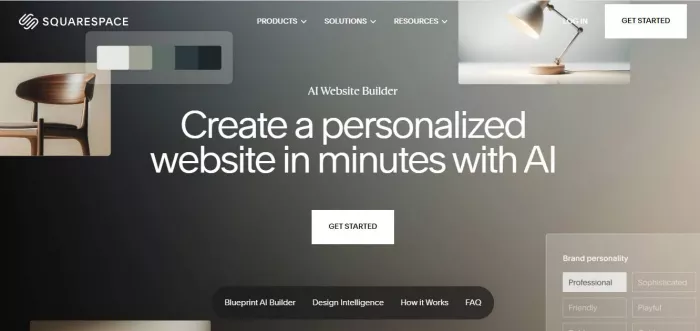
Squarespace AI enhances an already polished website builder with content and layout automation. (Squarespace AI)
Creatives, small businesses, portfolios, and content-driven sites.
AI assists with copywriting, layout suggestions, and content refinement rather than full site generation.
Beginner-friendly with a structured editor. Less flexible but very consistent.
No free plan. Mid-range pricing with hosting included.
1. Clean, professional templates
2. Strong branding tools
3. Reliable performance
1. Less AI automation than competitors
2. Limited deep customization
| Tool | Best For | Beginner Friendly | AI Automation Level | Pricing Style |
| Wix AI | Small businesses | Very high | High | Free + paid |
| Framer AI | Landing pages | Medium | High | Free + paid |
| Durable | Fast business sites | Very high | Very high | Paid only |
| Webflow AI | Professional sites | Medium | Medium | Free + paid |
| Hostinger AI | Budget sites | High | Medium | Paid (low cost) |
| 10Web | WordPress users | Medium | Medium | Paid |
| Squarespace AI | Creatives | High | Low–Medium | Paid |
AI website builders in 2026 are no longer experiments. They are practical tools that help people get online faster and with fewer barriers. The best choice depends less on “which is most powerful” and more on what you actually need today.
If you want speed and simplicity, tools like Durable and Wix AI stand out.
If you want design quality, Framer AI shines.
If you want scalability, Webflow AI and 10Web offer more room to grow.
The smartest move is to match the tool to your goal, not the other way around.

There was a time when manual Google Ads management was a competitive a...

Artificial intelligence is no longer a peripheral tool in the justice...

Long-form video is still king for depth, but short-form clips dominate...

San Francisco, February 2026 — Samsung has officially set the sta...
AI video generation is moving fast, and new tools appear almost weekly...

Geek culture has grown massively over the years, spreading from niche...

Discussion