People are not overwhelmed because they have too many tasks.
They are overwhelmed because tasks arrive fragmented, unprioritized, and constantly changing.
In 2026, task management is no longer about making longer to-do lists. It is about deciding what deserves attention right now, what can wait, and what should never have been a task in the first place.
This is where AI-powered task managers promise relief. Not by doing work for you, but by reducing cognitive load: sorting inputs, spotting patterns, nudging priorities, and automating the boring coordination work humans are bad at.
Some tools genuinely help with this. Others mostly repackage old to-do apps with a chatbot bolted on.
This article looks at seven AI task management tools that actually matter in 2026, based on usability, automation depth, and real productivity impact — not marketing claims.
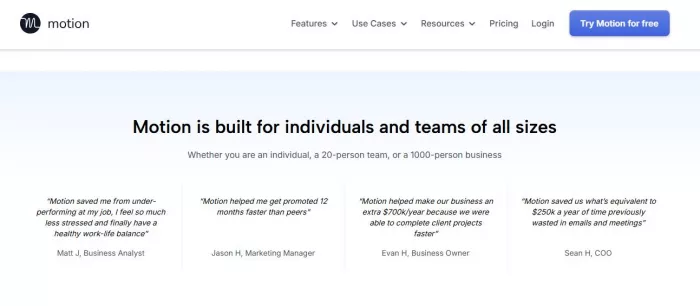
Motion’s strength is aggressive automation. You give it tasks, deadlines, meetings, and working hours. It builds your schedule for you and continuously reshuffles it when things change.
Studies on calendar-based task batching show time savings of 15–25% when planning is automated rather than manual. Motion aligns closely with that model.
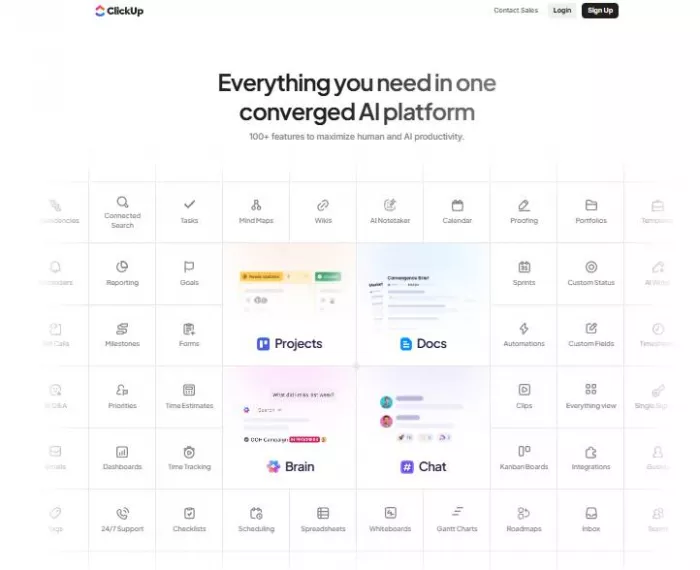
ClickUp is not new, but its AI features have matured. In 2026, its AI helps summarize tasks, generate subtasks, and surface blockers across projects.
Internal case studies published by ClickUp and independent workflow research suggest 20–30% reduction in status-update overhead when AI summaries replace manual reporting.
Notion AI is less about scheduling and more about thinking clarity. It helps turn notes into tasks, summarize plans, and connect ideas across workspaces.
Research on externalized cognition shows people using structured note systems complete planning tasks up to 40% faster than those relying on memory alone. Notion fits that category well.
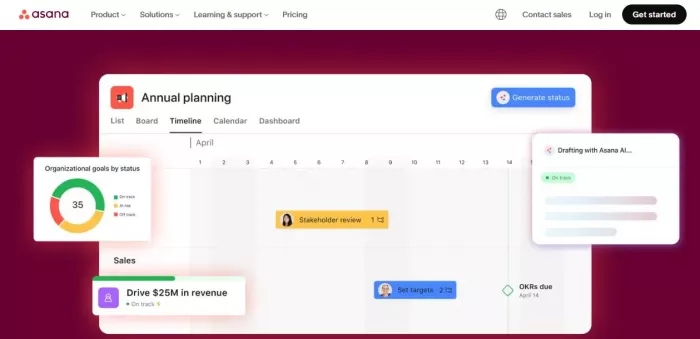
Asana’s AI focuses on forecasting deadlines, identifying risks, and reducing coordination noise rather than micro-optimizing individual schedules.
Asana-backed and third-party studies show teams spend 26% less time on “work about work” (status checks, follow-ups) when predictive AI is used.
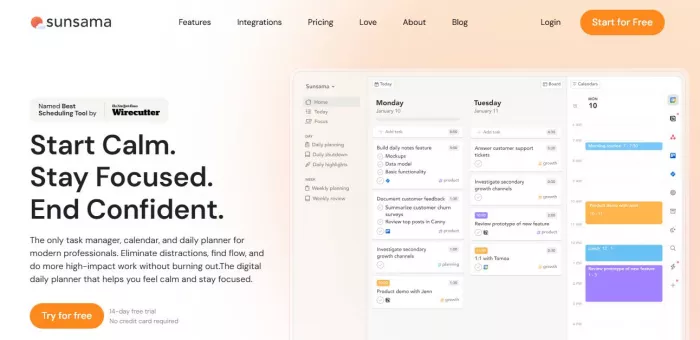
Sunsama uses light AI to guide daily planning, enforce realistic workloads, and prevent overscheduling.
Behavioral studies show that realistic daily planning improves task completion rates by ~18%. Sunsama is built around that insight.
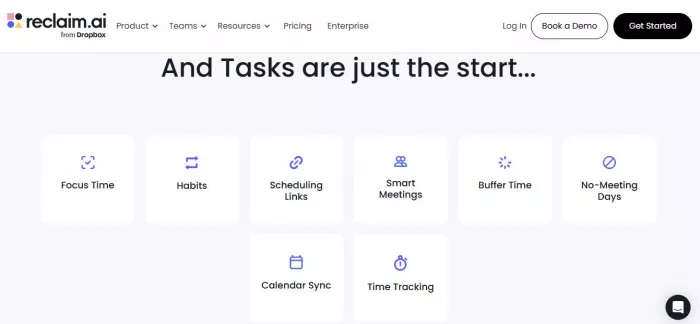
Reclaim AI focuses on defending time. It automatically schedules tasks into available calendar slots and adjusts when meetings intrude.
Calendar-based focus blocking has been linked to 10–20% improvements in deep work time. Reclaim directly supports this.
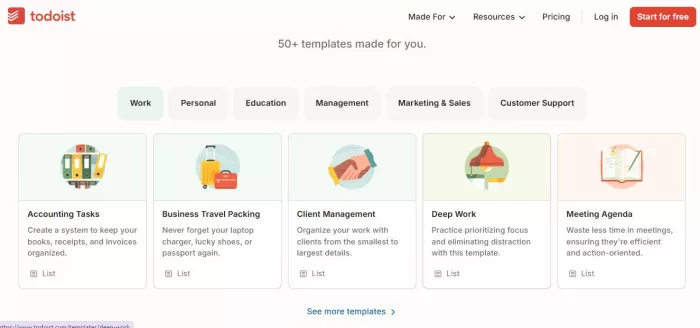
Todoist’s AI helps parse natural language tasks, suggest priorities, and review productivity patterns.
Todoist’s own anonymized data shows users completing up to 22% more tasks after adopting AI-assisted prioritization.
| Tool | Automation depth | Collaboration | Scheduling AI | Integrations | Typical pricing | Best for |
| Motion | Very high | Low | Excellent | Medium | ~$34/mo | Busy leaders |
| ClickUp | High | Very high | Medium | Very high | ~$10–20/user | Large teams |
| Notion | Medium | Medium | Low | High | ~$10–18/user | Thinkers |
| Asana | Medium | Very high | Medium | Very high | ~$13–30/user | Process teams |
| Sunsama | Low–medium | Low | Medium | Medium | ~$20/mo | Burnout prevention |
| Reclaim AI | Medium | Low | High | Medium | ~$10–15/mo | Focus time |
| Todoist | Low–medium | Low | Low | High | ~$4–8/mo | Individuals |
The best AI task manager in 2026 is not the one with the most features.
It is the one that removes the most thinking you never needed to do.
AI works best when it handles:
Humans still decide what matters.
If a tool respects that boundary, it is worth using.

There was a time when manual Google Ads management was a competitive a...

Artificial intelligence is no longer a peripheral tool in the justice...

Long-form video is still king for depth, but short-form clips dominate...

San Francisco, February 2026 — Samsung has officially set the sta...

AI video generation is moving fast, and new tools appear almost weekly...

Geek culture has grown massively over the years, spreading from niche...

Discussion