Motion graphics are animated visual elements like moving text, icons, shapes, and illustrations used in videos, ads, apps, and social media. They help explain ideas faster and make content more engaging than static visuals. Traditionally, creating motion graphics required strong design skills and a lot of manual work. Today, AI tools are changing this process by automating animations, speeding up workflows, and making motion design accessible even to non-designers. For designers, video editors, and content creators, AI-powered motion graphics tools save time while still allowing creative control.
Below are six of the best AI tools for motion graphics, explained in a clear and practical way.
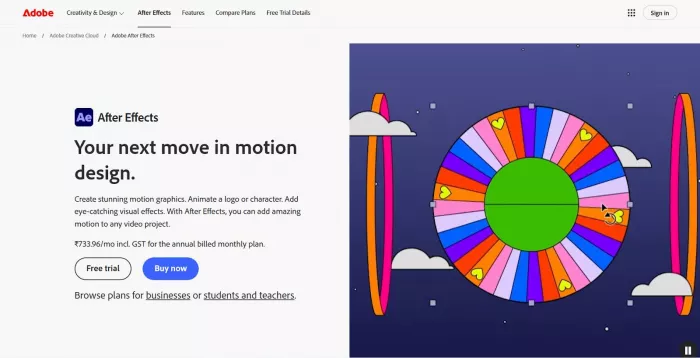
Adobe After Effects is one of the most widely used motion graphics tools in the industry. In recent years, Adobe has added AI-powered features that help automate complex animation tasks, such as object tracking, background removal, and smooth transitions. While it is not fully automated, AI assists designers by reducing repetitive manual work. Adobe After Effects
Key strengths
● AI-based object tracking and motion detection
● Smart tools for masking, rotoscoping, and transitions
● Works seamlessly with other Adobe apps like Premiere Pro
After Effects is best suited for professional designers and video editors who want full creative control. It works well for brand animations, explainer videos, and cinematic motion graphics where precision and customization matter more than speed.
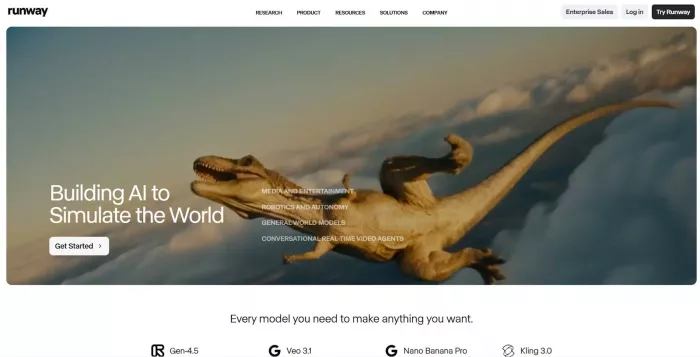
Runway focuses on AI-powered video creation and editing, and it has become very popular among motion designers for quick, experimental work. Instead of building animations frame by frame, users can rely on AI to generate motion, remove backgrounds, or apply effects automatically. Runway
Key strengths
● AI-generated motion and visual effects
● Text-based editing and scene manipulation
● Browser-based, no heavy software installation
Runway is ideal for creators who want fast results without deep technical knowledge. It works especially well for short videos, experimental motion graphics, and creative social media content.
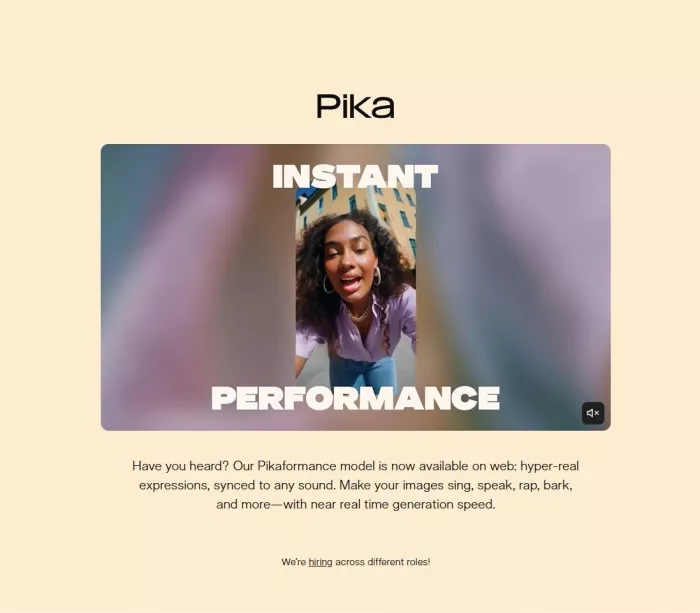
Pika is an AI tool designed for generating animated video content from simple prompts. While it is often known for AI videos, many creators use it for motion-style visuals such as animated scenes, transitions, and dynamic backgrounds that feel like motion graphics. Pika
Key strengths
● Text-to-video animation generation
● Fast creation of animated scenes and visuals
● Simple interface with minimal learning curve
Pika is best for content creators and marketers who want eye-catching motion visuals quickly. It is especially useful for short-form content where speed and creativity are more important than detailed control.
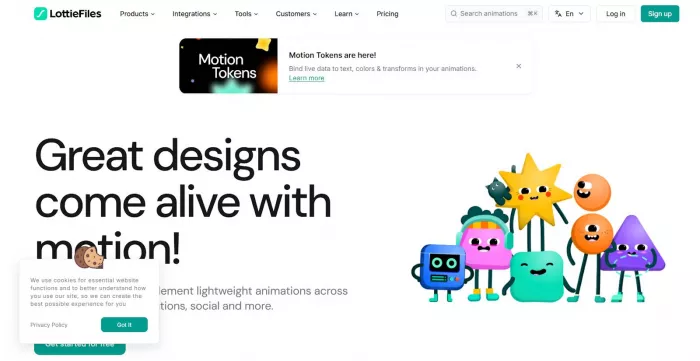
LottieFiles is built around lightweight animations used in apps, websites, and interfaces. It uses AI to help convert designs into smooth animations and optimize motion graphics so they load quickly without losing quality. LottieFiles
Key strengths
● AI-assisted animation optimization
● Lightweight animations for web and mobile apps
● Easy collaboration between designers and developers
LottieFiles is ideal for UI and UX designers who work on product interfaces. It is best used when motion graphics need to be functional, smooth, and fast-loading rather than visually complex.
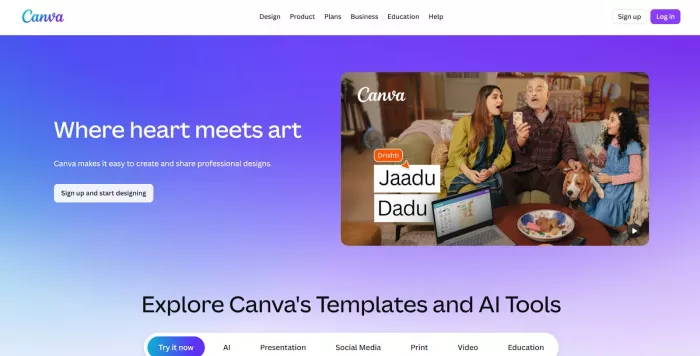
Canva has evolved from a simple design tool into a powerful AI-assisted platform that includes motion graphics features. Its AI helps users animate text, icons, and layouts automatically without requiring animation knowledge. Canva
Key strengths
● One-click animations and motion templates
● AI-powered layout and timing suggestions
● Large library of ready-made motion designs
Canva is perfect for beginners, small businesses, and social media managers. It works best for quick promotional videos, presentations, and social media motion graphics where simplicity and speed are key.
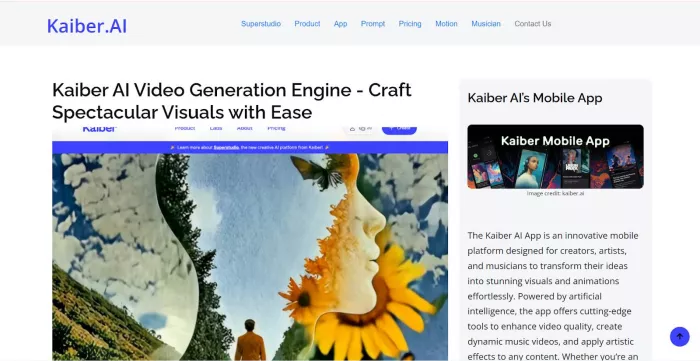
Kaiber uses AI to turn images, videos, or ideas into animated visuals with a strong artistic style. Instead of traditional timeline-based animation, it focuses on creative motion driven by AI interpretation. Kaiber
Key strengths
● AI-driven animation from images and videos
● Strong artistic and stylized motion output
● Useful for music videos and creative visuals
Kaiber is best suited for artists, musicians, and creators who want expressive motion graphics rather than technical precision. It shines in creative projects where mood and style are more important than exact control.
For beginners, Canva stands out because it removes most of the complexity and offers ready-made motion graphics. Professional designers who need detailed control and industry-level output will still find Adobe After Effects to be the strongest option. Social media creators benefit most from tools like Runway and Pika, which focus on speed, automation, and short-form content creation without heavy technical effort.
The best AI motion graphics tool depends on your budget, skill level, and creative goals. If you want professional-grade animations and are willing to learn, advanced tools are worth the investment. If speed and simplicity matter more, beginner-friendly platforms can produce impressive results in minutes. AI does not replace creativity, but it removes barriers, allowing more people to bring motion ideas to life with less effort and time.
AI-powered image editing has moved far beyond simple filters. Today’s...
AI chat platforms built around fictional characters and roleplay conve...
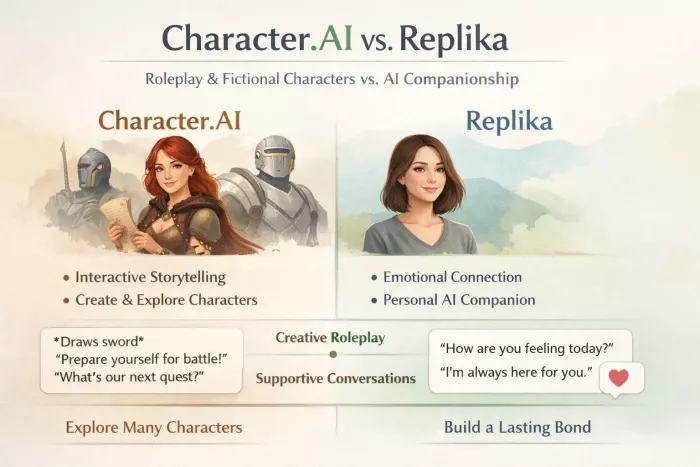
AI chat platforms have evolved far beyond simple question-and-answer b...
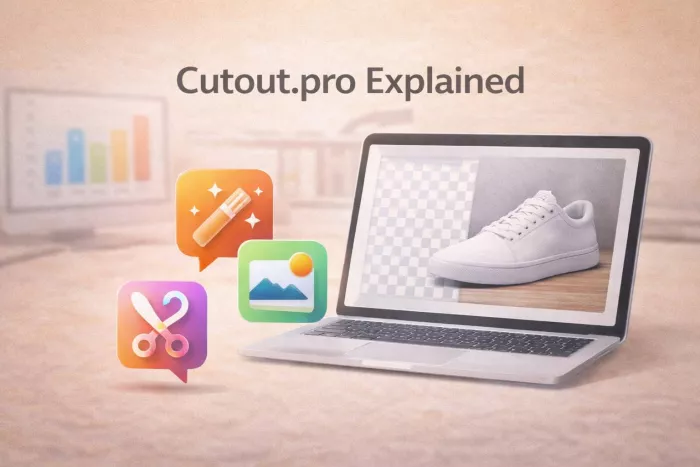
Platform OverviewCutout.pro is an AI-powered image editing platform de...

AI chat platforms designed for roleplay and interactive conversations...
Goth AI is a character-based AI chat platform designed for dark, gothi...

Discussion