AI avatar tools let you create digital characters or virtual representations of yourself without needing complex design skills. These avatars can be used in social media, videos, games, virtual meetings, websites, classrooms, and more. Below are some of the best AI tools for avatar creation explained in simple language.
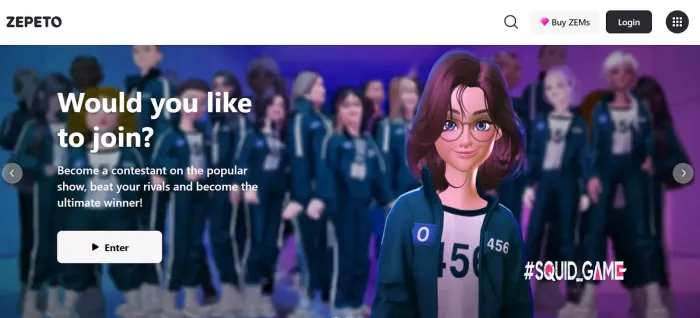
Zepeto is a social avatar creation app focused on expressive characters and social interactions.(Zepeto)
What it does
You create a 3D character that looks like you or any style you want, then use it in a community world, photos, and videos.
Key features
1. Highly customizable avatars (clothes, hairstyles, accessories)
2. Social spaces where avatars interact
3. Tools to create videos and scenes with avatars
4. Animation options for poses and expressions
Who should use it
1. Influencers and social creators
2. Casual users who want a fun avatar presence
3. Marketers crafting lifestyle content
Pricing
● Free to download and use
Offers in-app purchases for additional items.
Synthesia creates talking avatars that can speak in different languages and styles. It is ideal for videos and training content.(Synthesia)
What it does
It turns text into video with a realistic AI avatar speaking your words.
Key features
1. Choose from many AI avatars or create a custom one
2. Realistic voice synthesis in multiple languages
3. Background and scene customization
4. Subtitle and script support
Who should use it
1. Marketers making product explainers
2. Educators creating training videos
3. Businesses producing internal or customer content
4. Influencers using talking avatars
Pricing
● Personal Plan: $30 per month
● Corporate Plan: $100+ per month (based on usage)
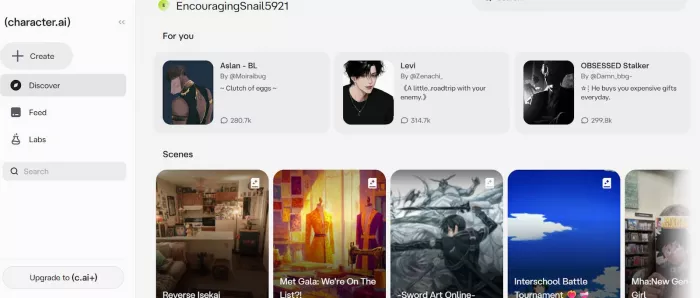
Character.AI focuses on chat-based avatars you can talk to and interact with.(Character.AI)
What it does
It creates conversational characters that respond like real people or fictional personalities.
Key features
1. Build interactive characters with conversation styles
2. Customize appearance and personality
3. Use avatars for chat sessions and interactive content
4. Save custom characters
Who should use it
1. Educators creating interactive lessons
2. Creators making narrative content
3. Casual users exploring AI personalities
Pricing
● Free plan available
● Plus subscription: $9.99 per month
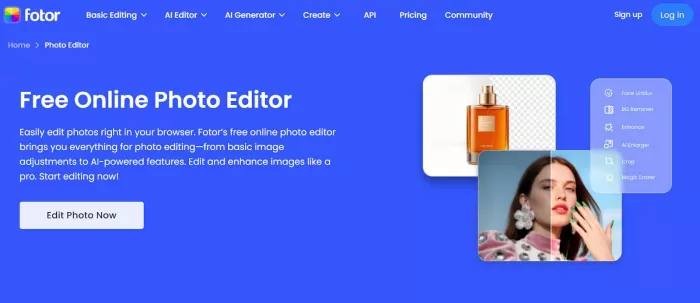
Fotor generates stylized AI avatars from photos in various artistic styles.(Fotor)
What it does
You upload a photo, and Fotor creates multiple stylized avatar versions in art-inspired looks.
Key features
1. AI avatar generation from selfies
2. Multiple art styles (cartoon, painting, anime)
3. Easy download and sharing
4. Simple editor for adjustments
Who should use it
1. Social media users who want eye-catching profile images
2. Bloggers and influencers needing unique looks
3. Casual users designing fun avatars
Pricing
● Free basic use
● Pro Plan: $8.99 per month
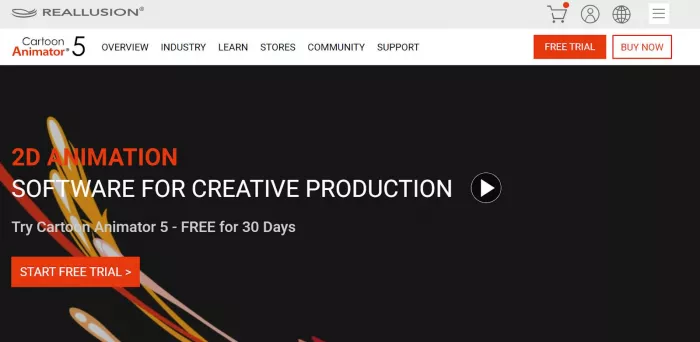
Reallusion Cartoon Animator is for users who want animated avatars in videos and presentations.(Reallusion Cartoon Animator)
What it does
It lets you design 2D characters and animate them for videos, web content, and presentations.
Key features
1. 2D character design templates
2. Lip-sync animation from audio
3. Motion and scene effects
4. Export to video formats
Who should use it
1. Video creators
2. Educators making curriculum animations
3. Small studios or teams working on animated storytelling
Pricing
● One-time license: $129 (standard edition)
● Additional packs available for animation assets
● Best for social avatars: Zepeto and Fotor (easy customization and sharing)
● Best for 3D characters: Ready Player Me (good for games and virtual worlds)
● Best for talking avatars in videos: Synthesia
● Best for interactive AI characters: Character.AI
● Best for animated video avatars: Reallusion Cartoon Animator
AI avatar tools make digital representation easy and fun without design skills. Whether you are a creator, gamer, marketer, or teacher, there is a tool that fits your needs and budget. Start with free versions, then upgrade as your creative projects grow.

A U.S. federal appeals court has declined to temporarily block the Pen...
What "Safe" and "Legit" Actually Mean HereMost reviews answer neither...

Intel has joined Elon Musk’s ambitious “Terafab” semiconductor initiat...

Where automation actually saves time in real workflowsInstead of think...

April 7, 2026Samsung Electronics said Tuesday it expects first-quarter...
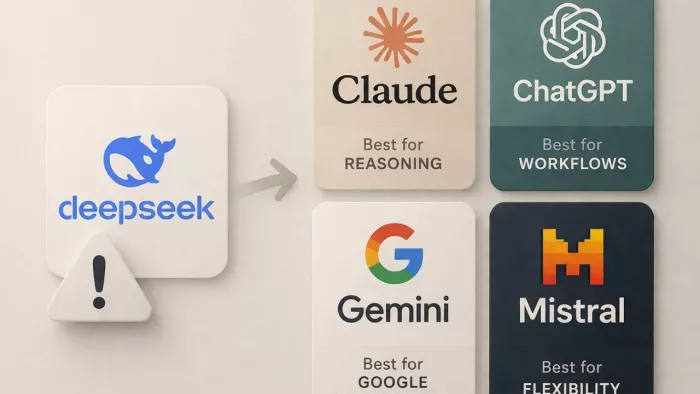
DeepSeek AI usually stops meeting expectations at a very specific poin...

Discussion